Features

Find out how iA Presenter helps you tell a story they’ll remember.
Editor
Use the Editor to write your story, create and move slides, and add media. Markdown handles all the formatting, while Presenter looks after the design. In the Editor you’ll find:
| iPhone and iPad | Mac | |
| Markdown Format Menu | ✓ | ✓ |
| Thumbnails Preview | ✓ | ✓ |
| Design Menu | ✓ | ✓ |
| Media Manager | ✓ | ✓ |
| Focus Mode | ✓ | ✓ |
| Content Blocks | ✓ | ✓ |
| Light/Dark mode | ✓ | ✓ |
| Timers | ✓ | ✓ |
| Backups and Recovery | ✓ | ✓ |
| Smart Substitutions | ✓ | ✓ |
Import/Export
Create a presentation quickly by importing a Markdown or text file into Presenter, which will convert it into slides.
When it’s ready, share your presentation online or choose from multiple paper-friendly export options:
| iPhone and iPad | Mac | |
.md and .txt Import |
✓ | ✓ |
| Web Sharing | – | ✓ |
| ✓ | ✓ | |
| PowerPoint (Beta) | ✓ | ✓ |
| Images | ✓ | ✓ |
| HTML | ✓ | ✓ |
| Markdown | ✓ | ✓ |
Presentation
Presentation Mode comes with a teleprompter that guides you through your spoken text, along with the slides your audience will see:
| iPhone and iPad | Mac | |
| Thumbnails Mode | - | ✓ |
| Speaker Notes Mode | - | ✓ |
| Speaker Notes as Subtitles | ✓ | - |
| Timer | ✓ | ✓ |
| Custom Navigation Keys | ✓ | ✓ |
| Autoplay video | ✓ | ✓ |
Layout
Presenter automatically analyzes your slide content and creates an optimal layout that looks great on any display. If you prefer, you can select a custom aspect ratio via Settings.
| iPhone and iPad | Mac | |
| Responsive | ✓ | ✓ |
| Regular 4:3 | ✓ | ✓ |
| Wide 16:9 | ✓ | ✓ |
| Mobile 9:16 | ✓ | ✓ |
| Portrait 4:5* | ✓ | ✓ |
| Square 1:1* | ✓ | ✓ |
*This aspect ratio is specifically designed for sharing slides on social media.
Images
Import images from your device, the web, or even more easily through our built-in Unsplash integration.
Each image comes with customizable options, including size, alignment, filters, and descriptions.
| iPhone and iPad | Mac | |
Portable Network Graphics .apng, .png |
✓ | ✓ |
Graphics Interchange Format .gif |
✓ | ✓ |
WebP .webp |
✓ | ✓ |
Joint Photographic Experts Group .jpg, .jpeg |
✓ | ✓ |
Tagged Image File Format .tif, .tiff |
✓ | ✓ |
Scalable Vector Graphics .svg |
✓ | ✓ |
Portable Document Format .pdf |
✓ | ✓ |
| Unsplash Integration | ✓ | ✓ |
Videos
Add local videos, or link directly to YouTube using the Media Manager.
Local videos come with customizable options, including size, alignment, filters, and descriptions.
| iPhone and iPad | Mac | |
M4V .m4v |
✓ | ✓ |
Moving Picture Expert Group 4 .mp4 |
✓ | ✓ |
Quicktime .mov |
✓ | ✓ |
| YouTube Integration | ✓ | ✓ |
Audio
Simply drag-and-drop audio files to add them to your slides.
| iPhone and iPad | Mac | |
Advanced Audio Coding .aac |
✓ | ✓ |
Audio Codec 3 (Dolby Digital) .ac3 |
✓ | ✓ |
Audio Interchange File Format .aiff |
✓ | ✓ |
Audio File Format (Sun/NeXT) .au |
✓ | ✓ |
Free Lossless Audio Codec .flac |
✓ | ✓ |
MPEG-4 Audio .m4a |
✓ | ✓ |
MPEG-1 Audio Layer 3 .mp3 |
✓ | ✓ |
Waveform Audio File Format .wav |
✓ | ✓ |
Language Support
iA Presenter’s interface is currently available in English but we aim to support more languages in future versions.
| iPhone and iPad | Mac | |
|---|---|---|
| Menus & UI | English | English |
| Spelling, Autocorrect and Grammar | System-Based* | System-Based* |
| Presentation content | Any Left-to-right languages | Any Left-to-right languages |
Current OS Support
Presenter is currently available for MacOS devices—and coming soon to iOS and iPadOS:
| Platform | Version | Supported OS |
|---|---|---|
| Mac | 1.0+ | macOS 11+ |
| iOS/iPadOS | 1.0+ | iOS and iPadOS 16.0+ |
| Windows | - | TBD |
Future OS Support
As we make further improvements and add new features to iA Presenter, we may stop supporting older operating systems after most of our customers have migrated.
Older Versions
Older versions are not available for download. You’ll always find the most current version of iA Presenter from our website.
 Basics
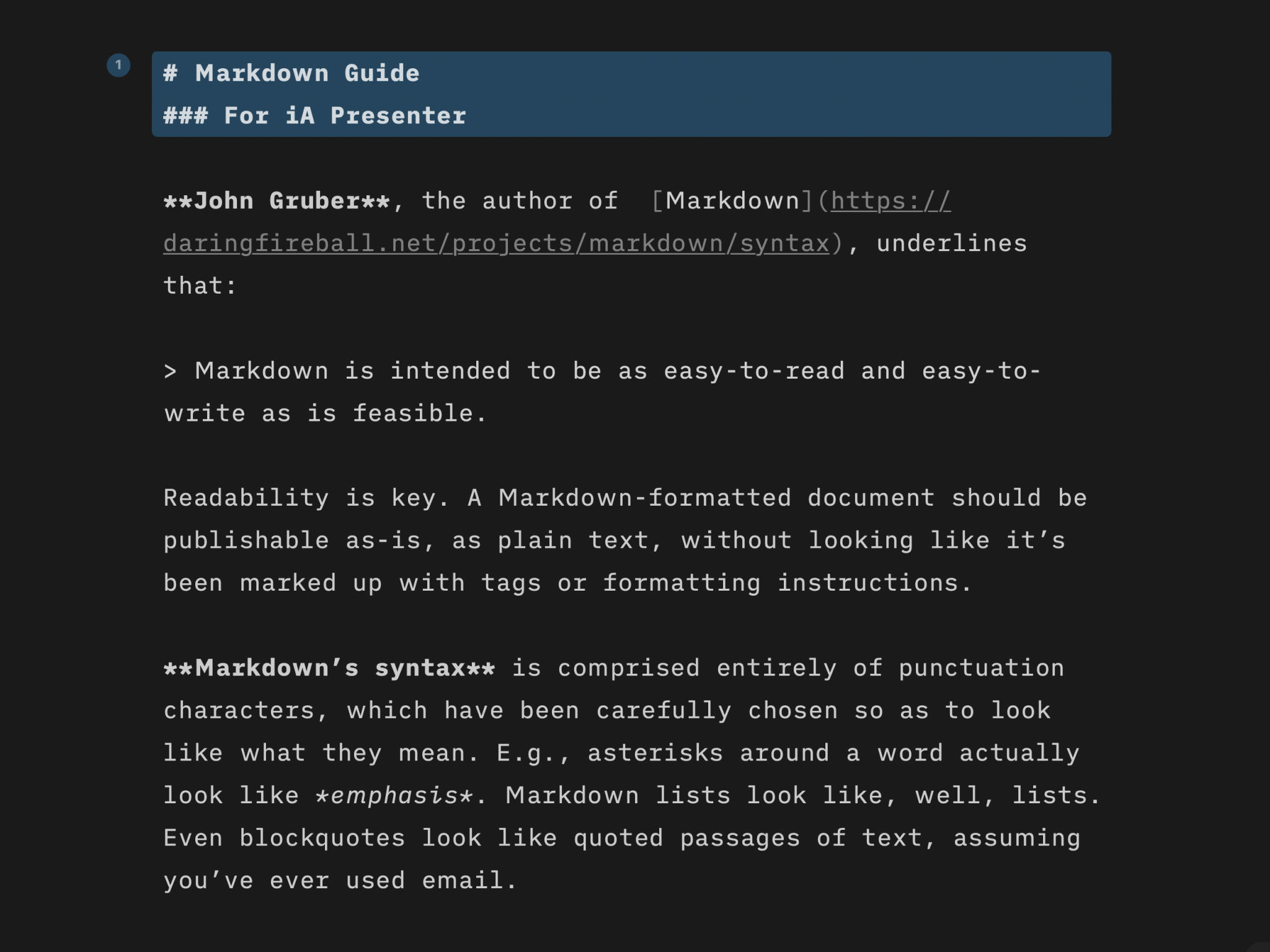
Markdown Guide
Learn quickly the basics of Markdown—or dive in to discover more complex formatting.

Presentation Tips
How tell your story without boring the audience to death.
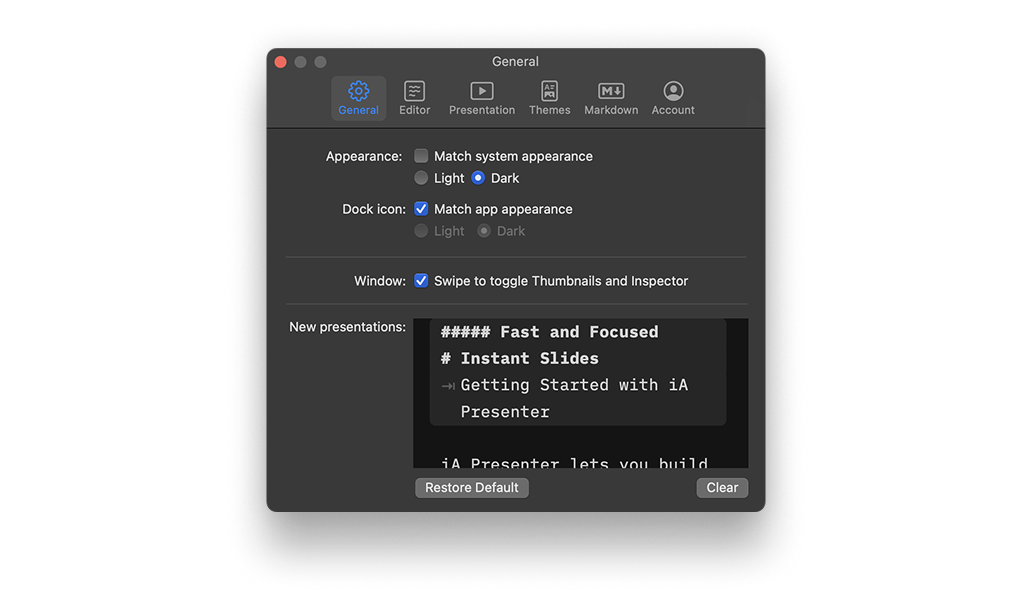
Settings
A wide range of options to fit the various use cases, professional and personal needs.
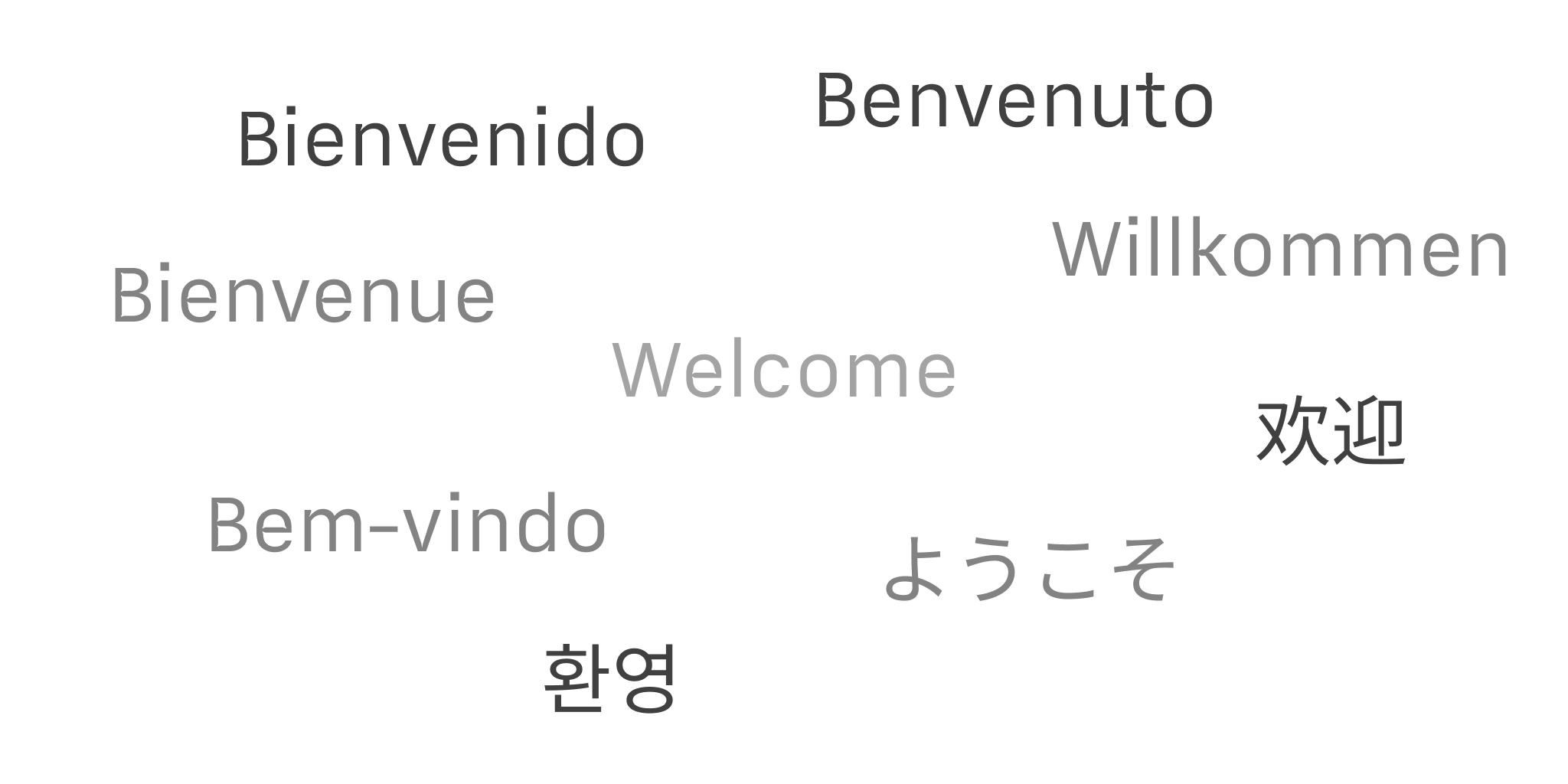
Languages
iA Presenter’s user interface is currently available in English, while presentation content supports left-to-right language text.