FAQ

Below are answers to common questions about iA Writer for Android.
For further help, please check our Support section or our Troubleshooting section.
The iA Support Team is always happy to assist when you can't find your answer on our website. You can reach out to us by email.
We take a break on the weekends (JST), but during weekdays we aim to reply within 1-2 business days.
[table_of_contents_android]
General FAQ
Where is the app listing?
As announced here, iA Writer for Android is no longer available in the Google Play Store.
Can I download/buy the app directly from iA?
No. iA Writer for Android is no longer available for distribution or sale.
Can I re-install iA Writer?
No. Since iA Writer for Android is no longer listed in the Play Store it is not possible to newly install, or reinstall from your Play Store App Library.
Can I Get a Refund?
Cancellations for Android subscriptions are solely handled by Google via the Play Store. Find out more about cancelling subscriptions here.
Can I continue to use the app
The app continues to function (as-is) on devices where it is currently installed. Monthly and annual subscriptions continue to be valid until canceled.
Once a subscription is canceled, it may not be possible to resubscribe.
Why can't I connect to cloud storage?
Google Drive no longer supports new connections in Writer.
As of Jan 1, 2026 Dropbox no longer supports cloud storage access via the SDK used in Writer for Android. Learn more.
Users attempting to connect in either Google Drive or Dropbox Locations may see File system error. messaging.
Data Privacy
iA Inc does not have access to any of the user's content stored in iA Writer (text, images, and other files displayed in iA Writer’s Library).
We do collect only two types of data: Crash Reports and Anonymous Statistics.
You can learn more about that in our Privacy Policy.
 Help
Help

Troubleshooting
Here are some things you can do if iA Writer acts in unexpected ways.
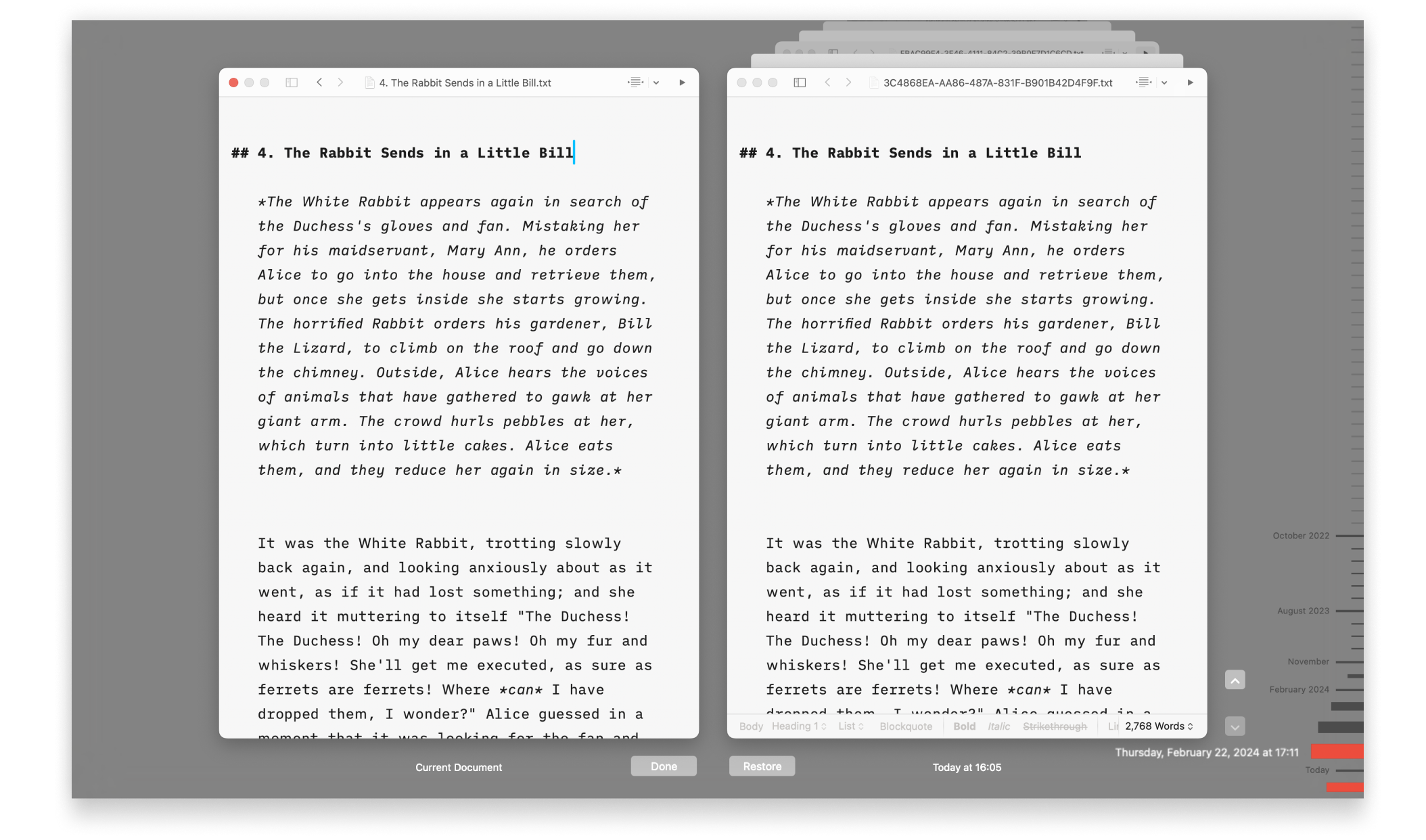
Backups and Recovery
Lost progress in a document? Regret deleting that paragraph? No problem!

iCloud
iA Writer is file storage provider agnostic but we recommend iCloud for the best experience across most devices:

Legacy Apps
Whenever possible, troubleshooting steps are listed here for iA Writer Classic on macOS & iOS and Writer 1.5.2 for Android.
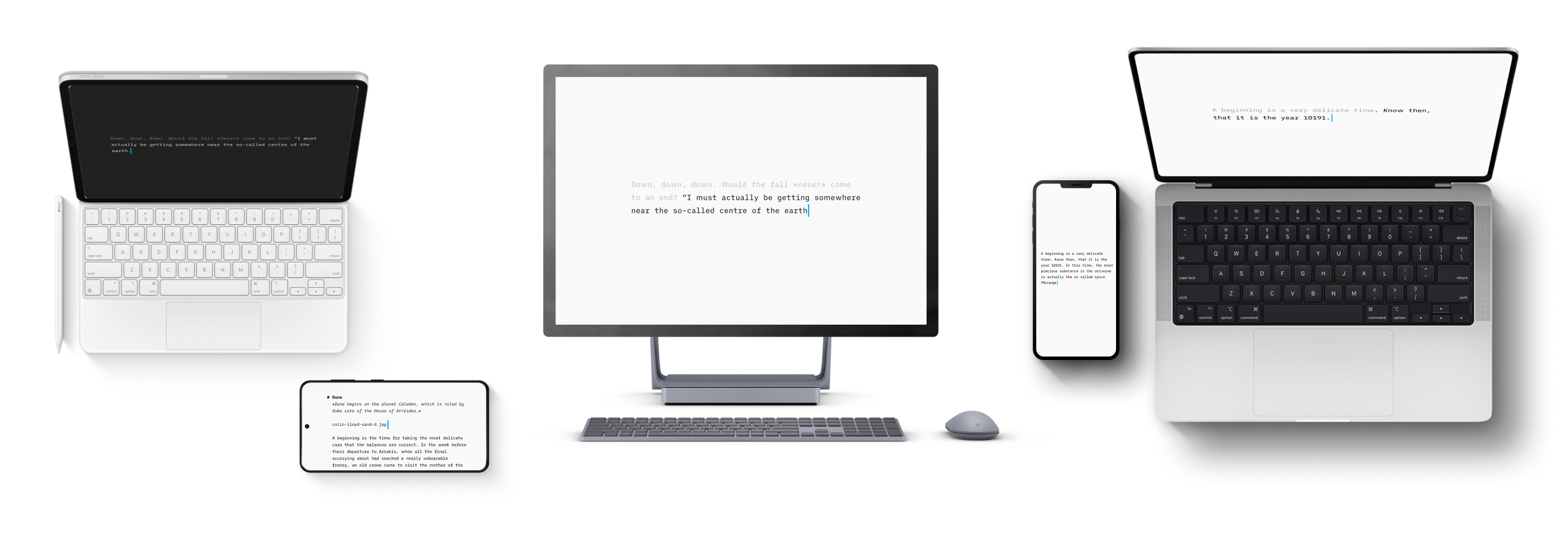
Version History
Scroll through the history of our apps, version by version, platform by platform, update by update.
Accessibility
We want our products to be enjoyed by the widest possible audience.
URL Commands
Open iA Writer from other applications on both macOS and iOS, and perform specific actions on opening.