URL Commands
URL Commands allow you to open iA Writer from other applications on both macOS and iOS, and perform specific actions on opening.
For example, you can turn a text snippet into a new iA Writer document. URL Commands can also be used to change some of iA Writer’s defaults.
Overview
Commands can be set to iA Writer by constructing special URLs:
ia-writer://command?parameter1=value1¶meter2=value2
x-callback-url
All commands can support x-callback-url:
ia-writer://x-callback-url/command?x-parameter1=x-value1¶meter1=value1¶meter2=value2
Some commands will return parameters on x-success.
Auth
For privacy and security, commands that modify or return data using x-callback-url require auth-token parameter. Auth token is synced across all your devices using iCloud. Auth token can be found in:
- On Mac: iA Writer → Preferences → General → URL Commands → Manage.
- On iOS: Library → Settings → URL Commands.
Data Types
- String
- Percent encoded. 4,000 or fewer characters before encoding.
- Library Path
- Percent encoded.
/File.txtrefers to a file in the default location (iCloud or local).Ideas: File.txtrefers to a file in the custom library location named Ideas.From Other Apps: File.txtis available on iOS.- Use contextual menu in Library and Organizer to copy paths.
- Boolean
- Either
trueorfalse. - Author
- Percent encoded. For example:
AIorChatGPT.
Interface Commands
Open a screen in iA Writer.
open command
Opens Editor with an existing document if found, or a new empty document.
Parameters
path- Library Path. Required.
edit- Boolean. Optional. Supported only on iOS and iPadOS.
falseby default. Iftrue, keyboard will be shown. new-window- Boolean. Optional. Supported only on macOS.
falseby default. Iftrue, will open the document in a new window.
Return parameters on x-success
None.
new command
Opens Editor with a new document.
Parameters
path- Library Path. Optional. Path for the file to be created. If omitted the file will be created at the root of the default location. If the path points to a directory, the file will be automatically named. If the path points to a file, it must have a plain text file extension, or the path will be ignored. The proposed filename will be used, but adjusted to avoid overwriting an existing file.
text- String. Optional. File contents.
edit- Boolean. Optional. Supported only on iOS and iPadOS.
falseby default. Iftrue, keyboard will be shown. new-window- Boolean. Optional. Supported only on macOS.
falseby default. Iftrue, will open the document in a new window. author- Author. Optional.
Return parameters on x-success
None.
quick-search command
Opens Quick Search with a given query.
Parameters
query- String. Optional.
Return parameters on x-success
None.
Data Commands
Silenty read and write data.
read command
Reads and returns files contents.
Parameters
auth-token- String. Required.
path- Library Path. Required. Path to the file to read.
Return parameters on x-success
path- Library Path. Path to the file.
text- String. File text.
write command
Creates or modifies an existing file and returns file contents.
Parameters
auth-token- String. Required.
path- Library Path. Required.
text- String. Optional.
mode- String. Optional.
createDefault. Adjusts last path component to avoid replacing an existing file.replaceReplaces an existing file.addAdd the given text to an existing file; creates a file if it doesn’t exist.patchDetects differences between the and file contents andtext, and attributes edits toauthor, if provided.add-location- String. Optional. Used only when
modeisappend. beginningAdd text at the beginning of a file.endDefault. Add text at the end of a file.add-padding- String. Optional. Used only when
modeisappend. sentenceAdd text as a sentence.lineDefault. Add text as a line.paragraphDefault. Add text as a paragraph.author- Author. Optional.
Return parameters on x-success
path- Library Path. Path to the file that was created or modified.
text- String. File contents after writing.
version command
Returns iA Writer app version and URL scheme version.
Parameters
None.
Return parameters on x-success
scheme-version- String. URL scheme version.
app-version- String. App version.
Version History
- 1
- Initial release.
- 2
- Fixed
writecommand parameterappend-padding. It was inverted in version 1: padding was appended withfalse, and not appended withtrue. - 3
- Changed
writecommand withmode=appendto create a file if it doesn’t exist. - 4
- Added
openandnewcommand parameternew-window. - Changed
opencommand to open a new empty file if file atpathis not found. - Changed
writecommand to create target folder if it doesn’t exist. - Renamed Path data type to Library Path, and updated the data type format. Old format is deprecated.
- 5
- Added
authorparameter support towritecommand. - 6
- Added
authorparameter support tonewcommand. - Adjusted
writecommand withmode=append - Renamed
mode=appendtomode=add,append-locationtoadd-locationandappend-paddingtoadd-padding. - Added support for
add-paddingvaluessentenceandline.paragraphremains default. - Added
writecommandmode=patch. - Adjusted
readcommand to avoid returning authorship.
 Help
Help

FAQ
Below are answers to common questions. Everyone is special, but most questions that we get overlap.

Troubleshooting
Here are some things you can do if iA Writer acts in unexpected ways.
Backups and Recovery
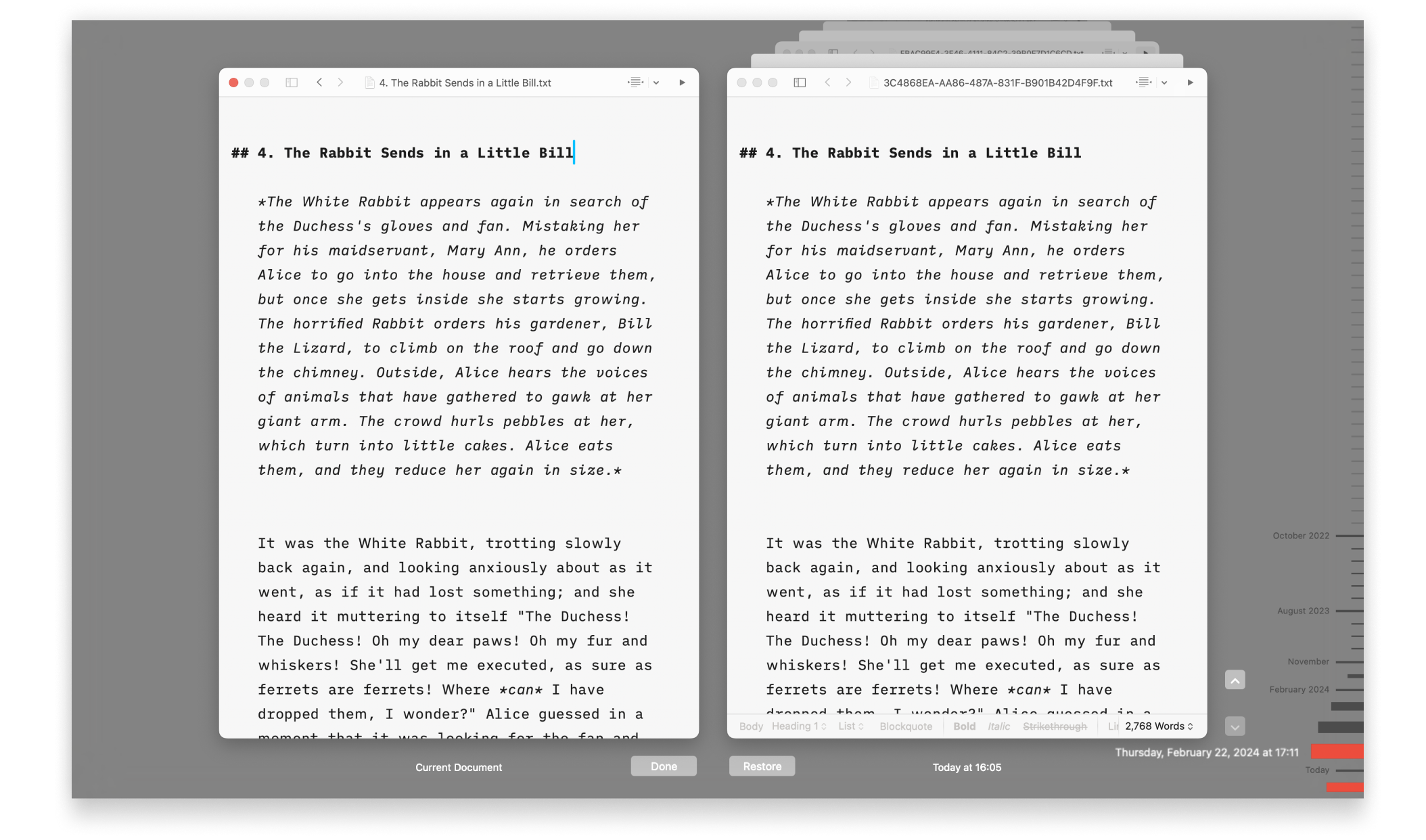
Lost progress in a document? Regret deleting that paragraph? No problem!

iCloud
iA Writer is file storage provider agnostic but we recommend iCloud for the best experience across most devices:

Legacy Apps
Whenever possible, troubleshooting steps are listed here for iA Writer Classic on macOS & iOS and Writer 1.5.2 for Android.
Version History
Scroll through the history of our apps, version by version, platform by platform, update by update.

Accessibility
We want our products to be enjoyed by the widest possible audience.