Accessibility
At iA we want our products to be enjoyed by the widest possible audience.
For this reason we try to make sure that our apps are designed to support accessibility functions built into the operating systems that we develop for.
iA Writer for macOS, iOS and iPadOS support VoiceOver, while iA Writer for Android supports TalkBack. On iA Writer for Windows, we are working to ensure our app will be more compatible in this area.
Above and beyond this, we routinely act on feedback from users and community advocates. For example, we recently tweaked our ** Syntax Highlight ** color scheme slightly to accommodate color blindness. As more features and system (OS) functionality are introduced, we’ll always do our best to support them in-app.
If you feel like there are areas of our app that we can improve to provide a more inclusive experience, we'd love to hear from you. We can't make any promises but we do want to know if there are things we can do to improve.
[Send feedback](mailto:[email protected]?subject=Accessibility Feedback: Writer)
 Help
Help

FAQ
Below are answers to common questions. Everyone is special, but most questions that we get overlap.

Troubleshooting
Here are some things you can do if iA Writer acts in unexpected ways.
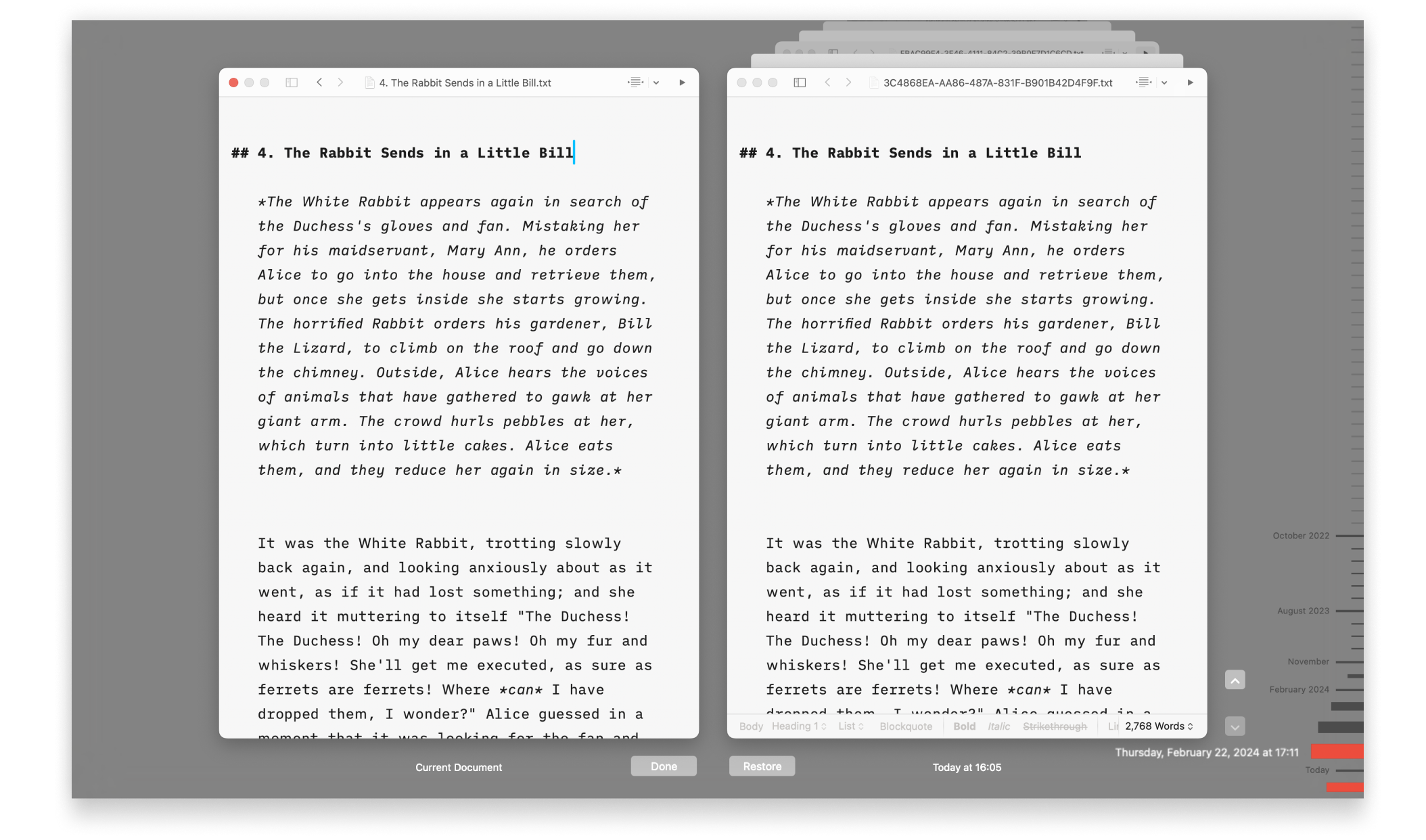
Backups and Recovery
Lost progress in a document? Regret deleting that paragraph? No problem!

iCloud
iA Writer is file storage provider agnostic but we recommend iCloud for the best experience across most devices:

Legacy Apps
Whenever possible, troubleshooting steps are listed here for iA Writer Classic on macOS & iOS and Writer 1.5.2 for Android.
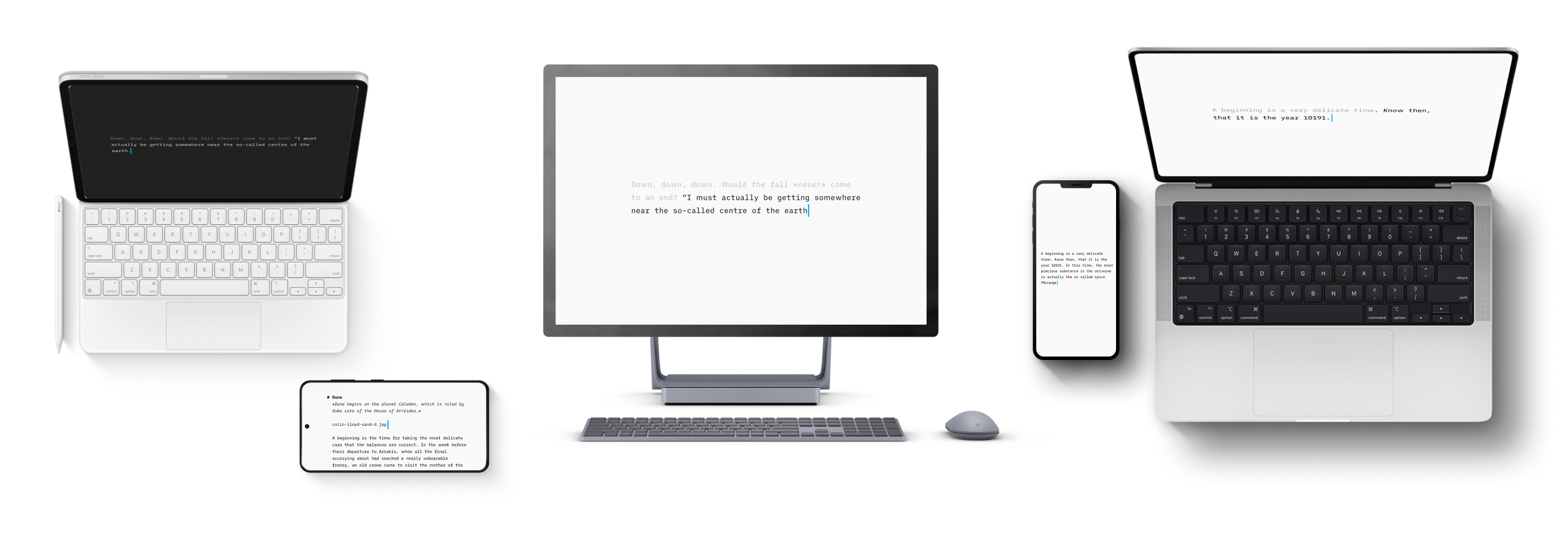
Version History
Scroll through the history of our apps, version by version, platform by platform, update by update.
URL Commands
Open iA Writer from other applications on both macOS and iOS, and perform specific actions on opening.