Shortcuts
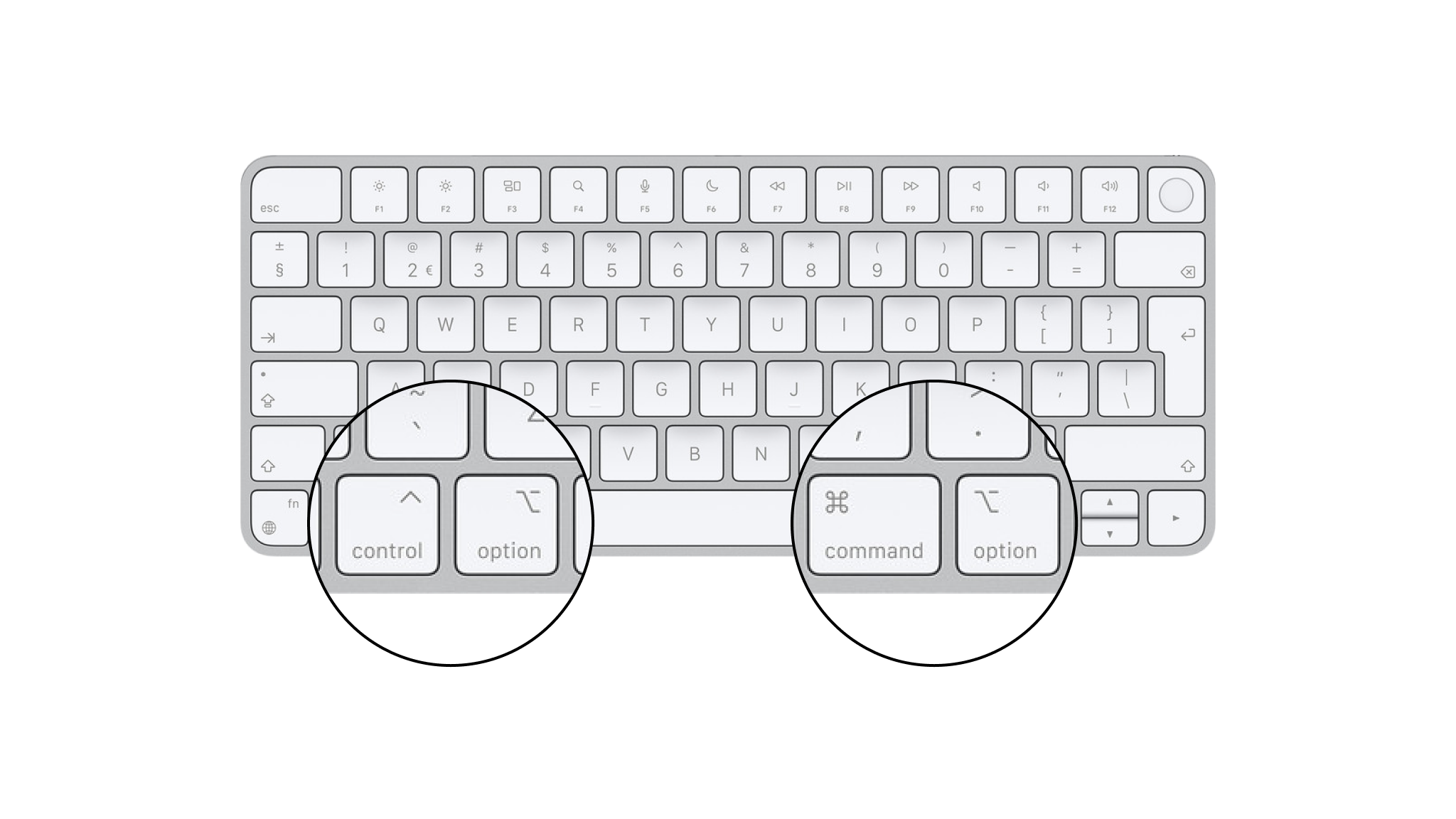
iA Writer for Mac provides a wide range of keyboard shortcuts to help you keep your hands on the keyboard and stay focused.
The majority of the available shortcuts are visible in the main menu.
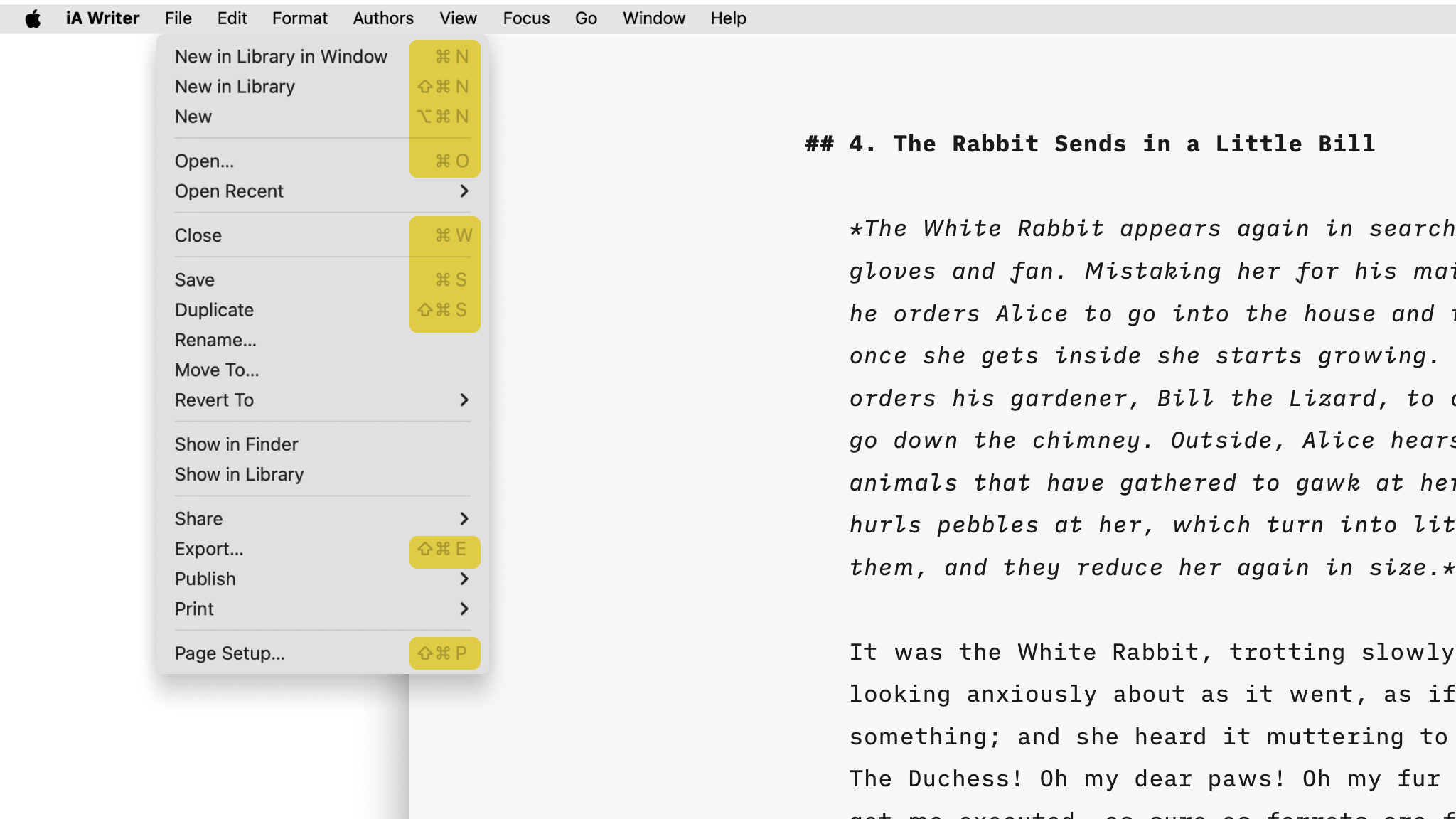
iA Writer for macOS follows the standard macOS system shortcuts and we may update shortcuts from time to time to ensure alignment with Apple's conventions.
If you are used to Windows shortcuts or shortcuts from apps following Microsoft conventions (MS Word, IntelliJ, VS Code, Outlook...) this article will be useful to help you become faster at using Writer.
[table_of_contents_mac]
Files
File creation and management options.
| New in Library in current window | |
| New | |
| New in Library | |
| Save active file | |
| Duplicate active file | |
| Save active file as |
Quick Search
Global Library search for documents, wikilinks and tags. Allows you to quickly navigate to a document by searching for specific terms.
| Quick Search | |
| Open file in current window | |
| Open file in new window |
Navigation
Shortcuts to quickly navigate between panes, Locations, linked and previously opened documents, and more.
App
| Cycle focus: Organizer → File List → Editor | |
| Settings... |
Library Navigation
| Show iCloud in Library | |
| Open a Favorite file or show a Favorite folder in Library | |
| Show Smart Folder in Library |
Links
| Open a link in Editor | |
| Open a link in Editor | |
| Open a link in Preview |
When You Open a Link
| Wikilinks | Open a document or create a new one, ready to type |
| Text content blocks | Open a document or create a new one, ready to type |
| Hashtags | Shown in Quick Search |
| Links | Open in default browser |
| Emails | New draft in default mail client |
| URL commands | Run if allowed |
Document History
| Go to previous document | |
| Go to next document |
Interface
| Dark or light appearance | |
| Show or hide Library | |
| Show or hide Preview | |
| Enter or exit full screen | |
| Close active window | |
| Close all windows |
Editing
Document structure, text formatting, caret manipulation, Focus modes, and more.
Structure
| Heading 1–6 | |
| Task list | |
| Ordered list | |
| Ordered task list | |
| Mark task as completed | |
| Indent | |
| Outdent | |
| Move selected line up | |
| Move selected line down |
Formatting
| Bold | |
| Italic | |
| Strikethrough | |
| Highlight | |
| Link | |
| Image link | |
| Wikilink | |
| Footnote | |
| Code | |
| Code block |
Focus
| Enable or disable Focus Mode | |
| Enable or disable Syntax Highlight | |
| Enable or disable Style Checking |
Copy and Paste
| Copy selected text | |
| Copy formatted selected text | |
| Copy selected text as HTML | |
| Copy selected text as Markdown (includes Content Blocks) | |
| Paste |
Find
| Find | |
| Find and replace | |
| Use selection for find | |
| Find next | |
| Find previous |
Move Caret To
| Previous character | |
| Next character | |
| Previous line | |
| Next line | |
| Start of line | |
| End of line | |
| Start of document | |
| End of document | |
| One word left | |
| One word right | |
| Start of this or previous line | |
| End of this or next line |
| Start of this or previous sentence | |
| End of this or next sentence |
Text Size
| Make text larger | |
| Make text smaller | |
| Default text size |
Export
Export and printing options.
| Export | |
| Print plain text | |
| Page setup for printing and PDF export |
Custom Keyboard Shortcuts
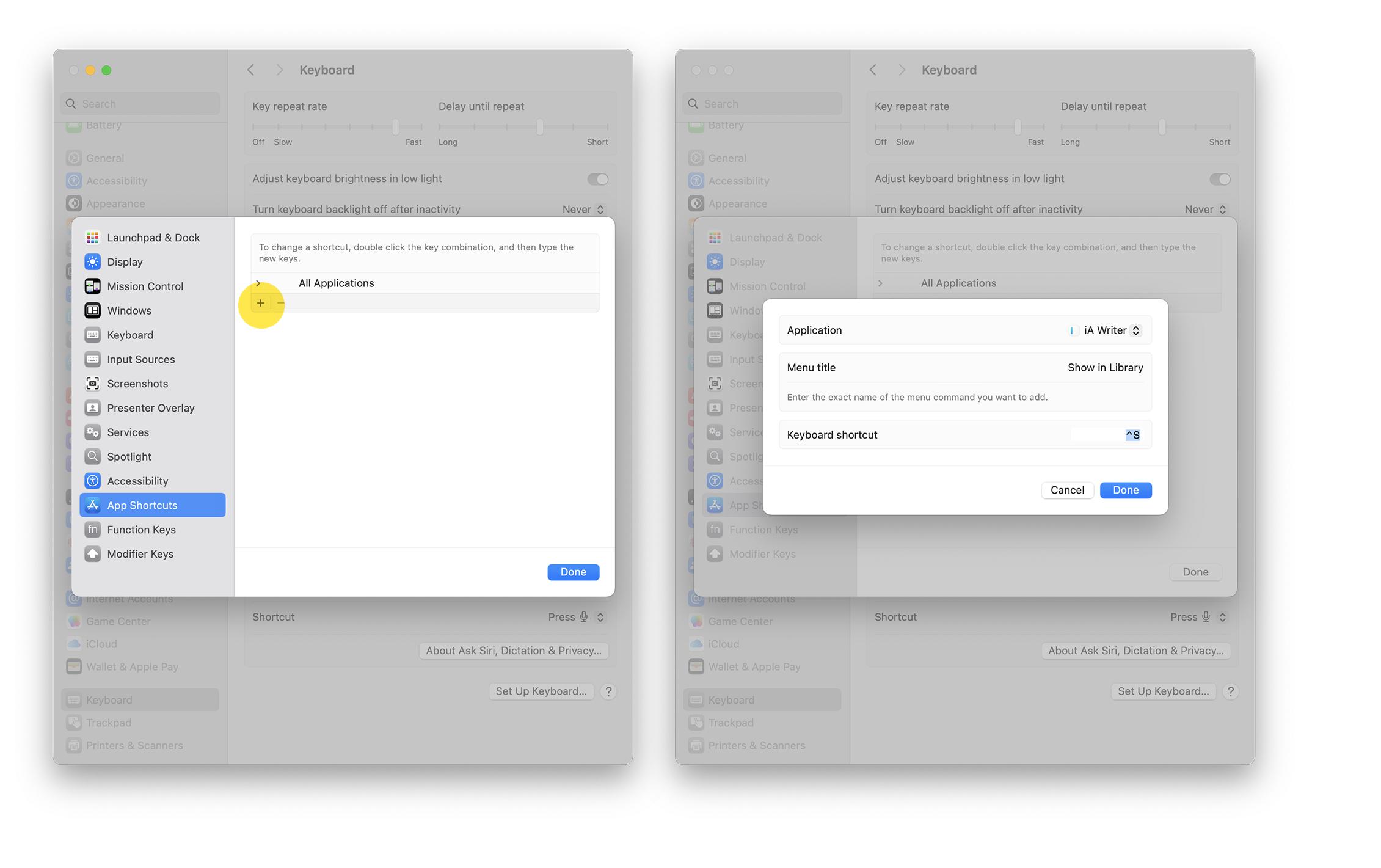
macOS allows you to map menu items to non-reserved keyboard shortcuts.
For example, say you frequently use the Show in Library option found in the File menu. Mapping this to a keyboard shortcut would save you from having to move from the keyboard to the mouse/trackpad to select the option.
Let's map Show in Libary to ⌃ S
- → Settings/System Preferences → Keyboard → Shortcuts → App Shortcuts
- Select the + button and select iA Writer from the list of apps
- In Menu Title: box enter the menu item exactly as it appears in iA Writer's menu
- Click Add
When successful you'll see the shortcut added next to the menu item in iA Writer and you'll be able to trigger the action with your shortcut.
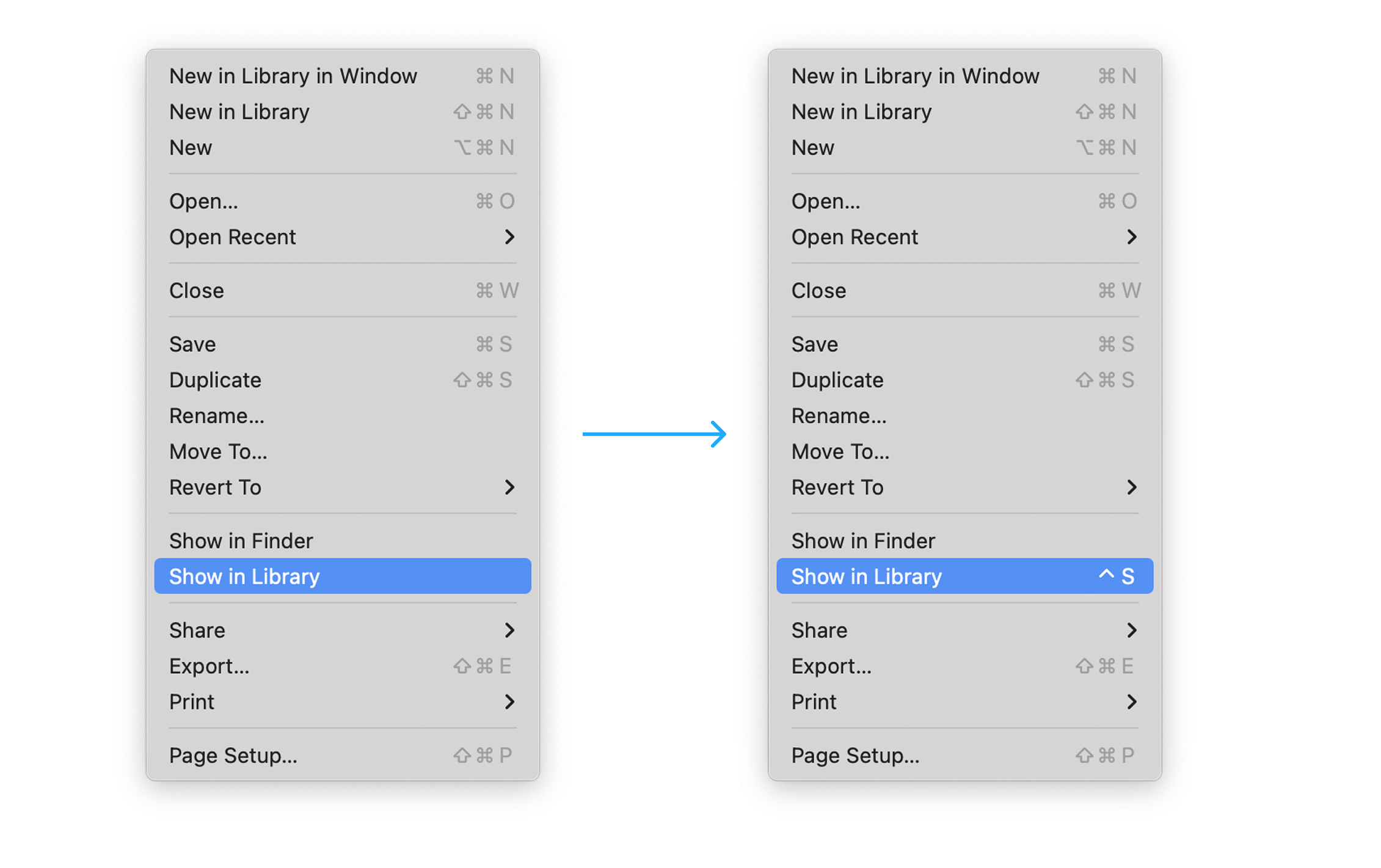
Note that some key combinations will not work due to being mapped to system functions or other restrictions. If this happens, please repeat the steps above to re-map the menu item to a new key combination.
 Basics
Markdown Guide
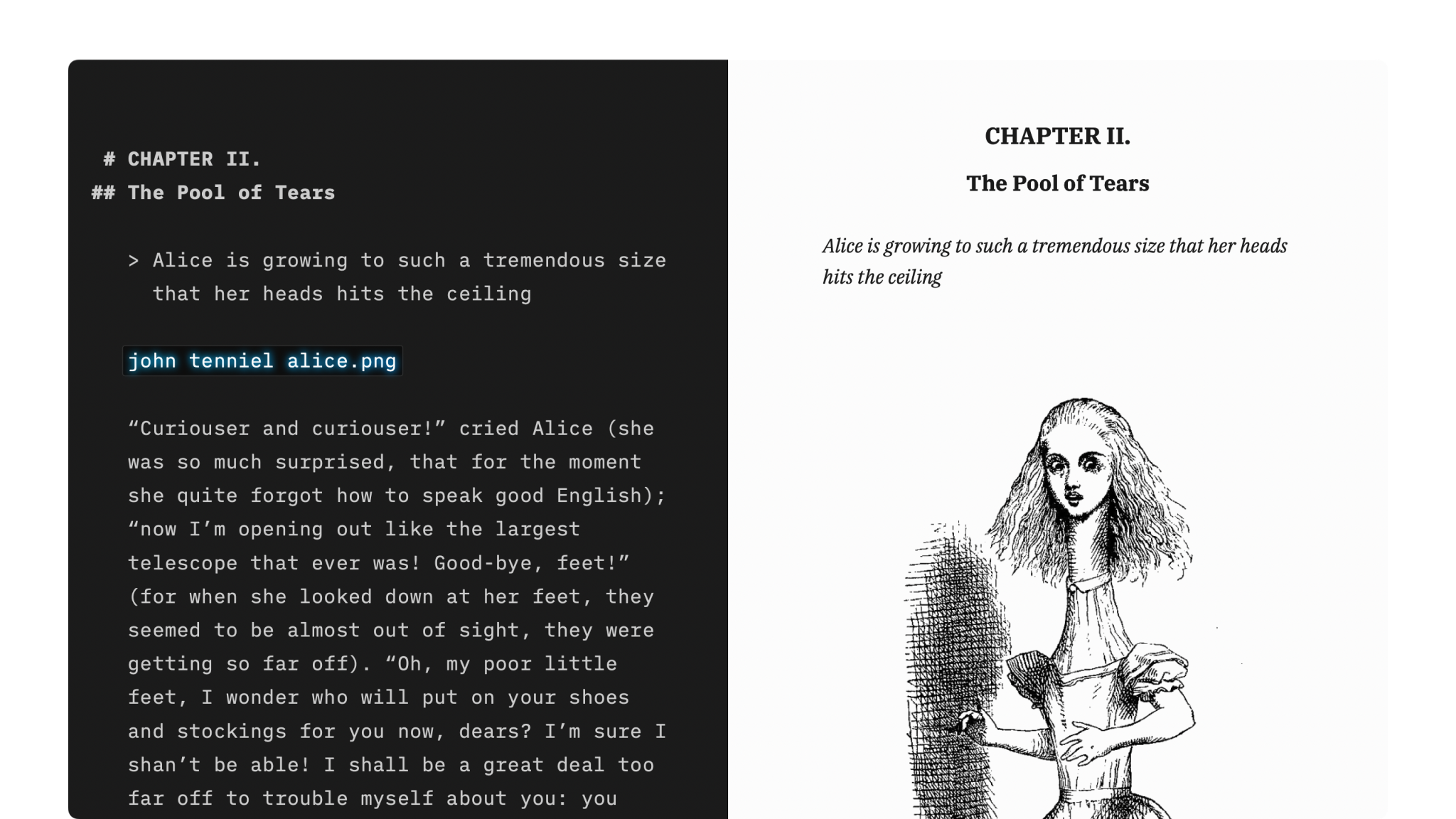
How to apply basic formatting in iA Writer simply by adding a few punctuation characters.

Features
An overview of iA Writer’s features on Mac, iPhone, iPad and Windows.
Settings
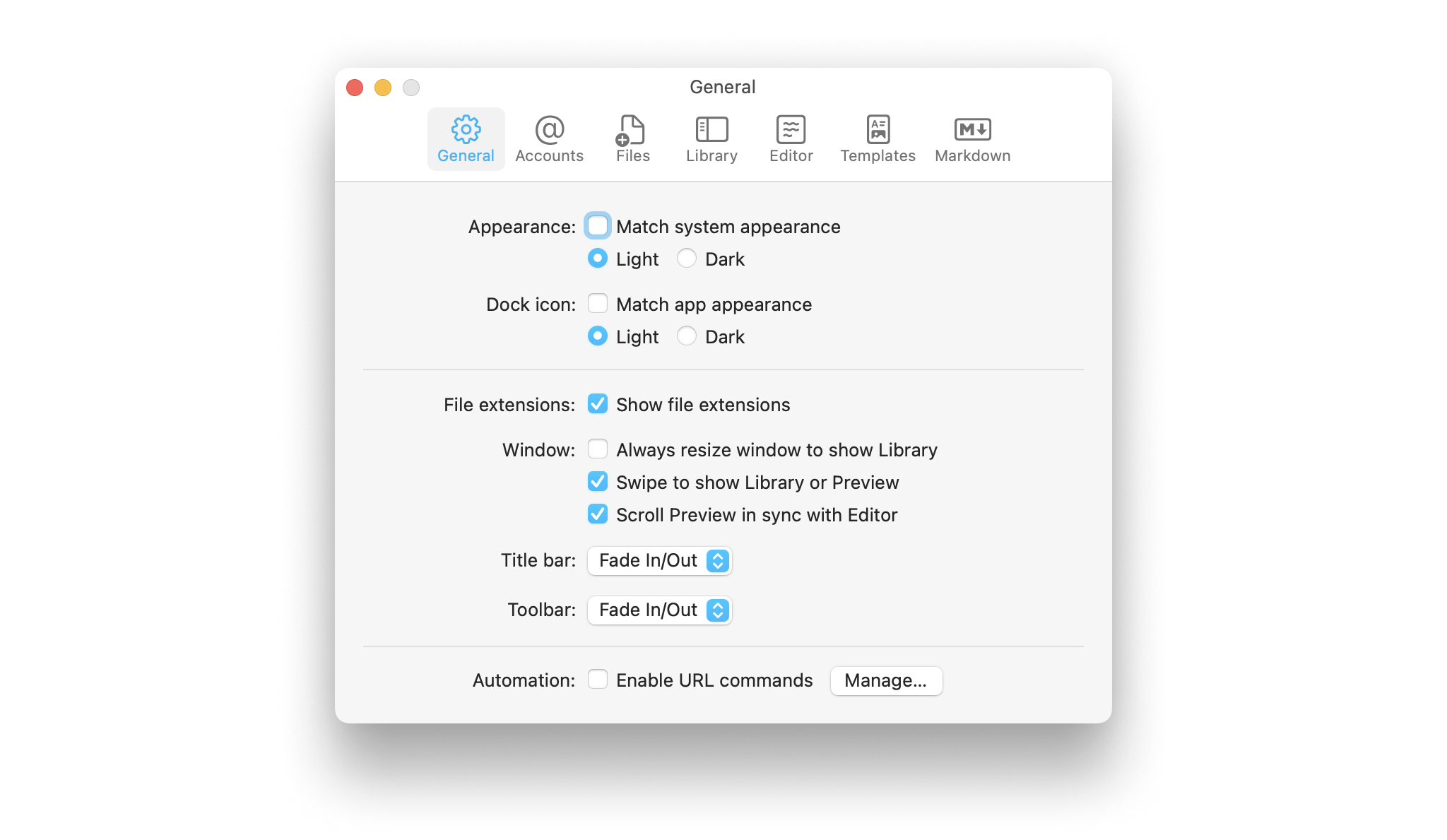
Learn how to tweak iA Writer’s settings to suit your needs.
Languages
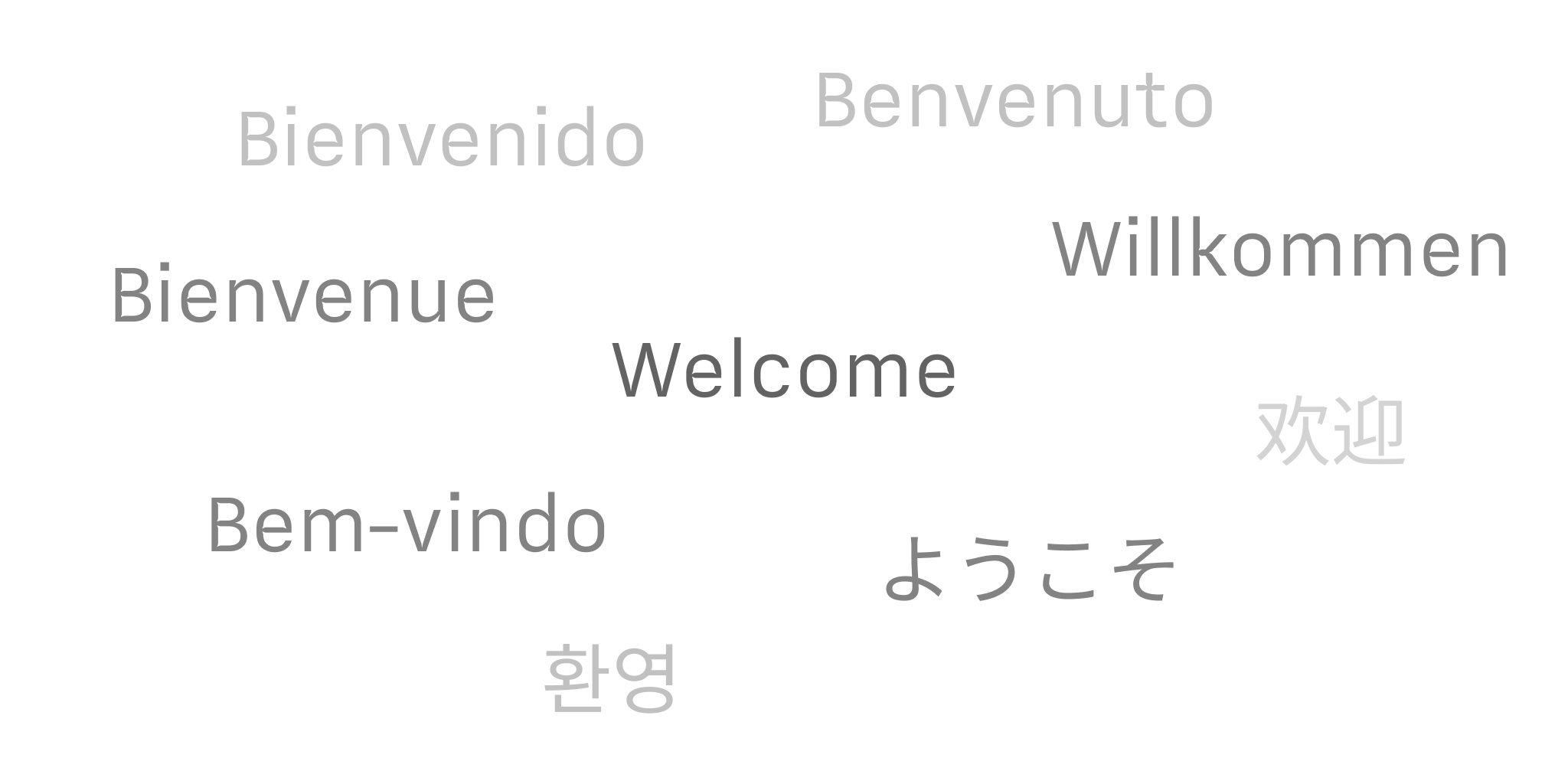
Learn which languages iA Writer supports across its platforms, including spellcheck, Syntax Highlight and Style Check.

Apple Shortcuts
Shortcuts are a powerful automation tool that saves time and helps you focus on writing by avoiding repetitive busywork.