Features

At iA Writer, we develop native apps for different platforms, recognizing that each platform has its unique strengths. This approach allows us to explore new ideas and experiment with features tailored to each platform's capabilities.
Editor
The table provides an overview of feature availability in the Editor across different platforms. It shows that various features, such as Focus Mode, Local Images, Content Blocks, Dark Mode, Syntax Highlight, Style Check, and Wikilinks, are supported on multiple platforms.
| iPhone and iPad | Mac | Windows | |
| Focus Mode | ✓ | ✓ | ✓ |
| Local images | ✓ | ✓ | ✓ |
| Content Blocks | ✓ | ✓ | ✓ |
| Dark Mode | ✓ | ✓ | ✓ |
| Authorship | ✓ | ✓ | — |
| Syntax Highlight | ✓ | ✓ | ✓ |
| Style Check | ✓ | ✓ | ✓ |
| Folding | — | — | ✓ |
| Dynamic Outline | — | — | ✓ |
| Smart MD Tables | Calculation | Calculation | Formatting |
| Writing Goals | — | — | ✓ |
| Wikilinks | ✓ | ✓ | — |
Language Support
The table shows language support in iA Writer across platforms, including menus & UI, spelling/autocorrect/grammar, syntax highlight, and style check. Language availability varies across iPad, iPhone, Mac, and Windows versions.
| iPhone and iPad | Mac | Windows | |
| Menus & UI | En De Jp Fr Es It Ru Cn Kr Pt | En De Jp Fr Es It Ru Cn Kr Pt | En De Jp Fr Es |
| Spelling, Autocorrect and Grammar | System-Based* | System-Based* | Hunspell: En(US) De Fr It Es† |
| Syntax Highlight | En De Fr It Es Ru | En De Fr It Es Ru | En |
| Style Check | En De Es Fr | En De Es Fr | En De Fr |
*Presence of 3rd party spelling and grammar tools/ plugins (i.e. Antidote, Grammarly) may impair functionality of system options.†More languages available by adding Hunspell dictionaries.
Connectivity
All apps include the ability to work in a local (on-device) folder as well as support for cloud connectivity.
| iPhone and iPad | Mac | Windows | |
| iCloud | ✓ | ✓ | ✓ |
| Dropbox | ✓ | ✓ | ✓ |
| Google Drive | ✓ | ✓ | ✓ |
| OneDrive | ✓ | ✓ | ✓ |
| Other | ✓ | ✓ | ✓ |
N.B.: iOS and iPadOS 13+ limitations restrict addition of Library locations to apps/file storage providers that support full folder sharing.
Live/Real-time Preview
You can always be sure how your text will be formatted by launching Preview. This updates in real time allowing for instant feedback.
| iPhone and iPad | Mac | Windows | |
| HTML Preview | ✓ | ✓ | ✓ |
| PDF Preview | ✓ | ✓ | ✓ |
| Equation Rendering | ✓ | ✓ | ✓ |
| Metadata | ✓ | ✓ | ✓ |
Import/Export
Sharing your work is important too! iA Writer includes a number of export options for this. Our powerful MS Word import allows you to convert .doc and .docx to Markdown.
| iPhone and iPad | Mac | Windows | |
| MS Word Export (.docx) | ✓ | ✓ | ✓ |
| MS Word Import | ✓ | ✓ | ✓ |
| ✓ | ✓ | ✓ | |
| iA Fonts | ✓ | ✓ | ✓ |
| Custom Templates | ✓ | ✓ | ✓ |
Blogging
Share your writing with the world. iA Writer allows you to post drafts to the most popular blogging services.
| iPhone and iPad | Mac | Windows | |
| Ghost | ✓ | ✓ | — |
| Medium | ✓ | ✓ | — |
| WordPress | ✓ | ✓ | — |
| Micropub | ✓ | ✓ | — |
| Micro.blog | ✓ | ✓ | — |
Miscellaneous
In addition to the major features, iA Writer supports the following:
| iPhone and iPad | Mac | Windows | |
| Global Document Search | ✓ | ✓ | — |
| Apple Shortcuts* | ✓ | ✓ | — |
| URL Commands | ✓ | ✓ | — |
| Biometric Protection† | ✓ | — | — |
| Hunspell Dictionary | — | — | ✓ |
*Requires iA Writer 7.1+ on macOS 13, iOS 16.1, or iPadOS 16.1.†Requires iOS/iPadOS 18 or higher
Current OS Support
We provide varying levels of support for different operating systems across our apps. To ensure that your device's operating system meets the minimum requirements to enjoy the full functionality of our apps, please refer to the table below for the specific platform versions and supported OS versions.
| Platform | Version | Supported OS |
|---|---|---|
| iPhone and iPad | 7.0+ | iOS and iPadOS 15.0+ |
| Mac | 7.0+ | macOS 10.15+ |
| Windows | 1.0+ | Windows 10+, 64-bit |
Future OS Support
To allow us to focus on improving Writer and adding new features, we will consider dropping support for older operating systems once the majority of customers have migrated.
Previous Versions
If you previously purchased iA Writer, you may still be able to download the last version that supports your operating system.
iA Writer for iPad, iPhone, and Mac
For iPad, iPhone, and Mac licenses, you can always re-download past purchases from the Purchased section of the appropriate App Store. You must be signed in with the same Apple ID in the same country/region as the initial purchase. On Mac, you need to ensure iA Writer is installed on no more than 5 other Macs.
iA Writer for Windows
It is not possible to re-download non-current versions. The most current version is always available here: iA Writer for Windows.
 Basics
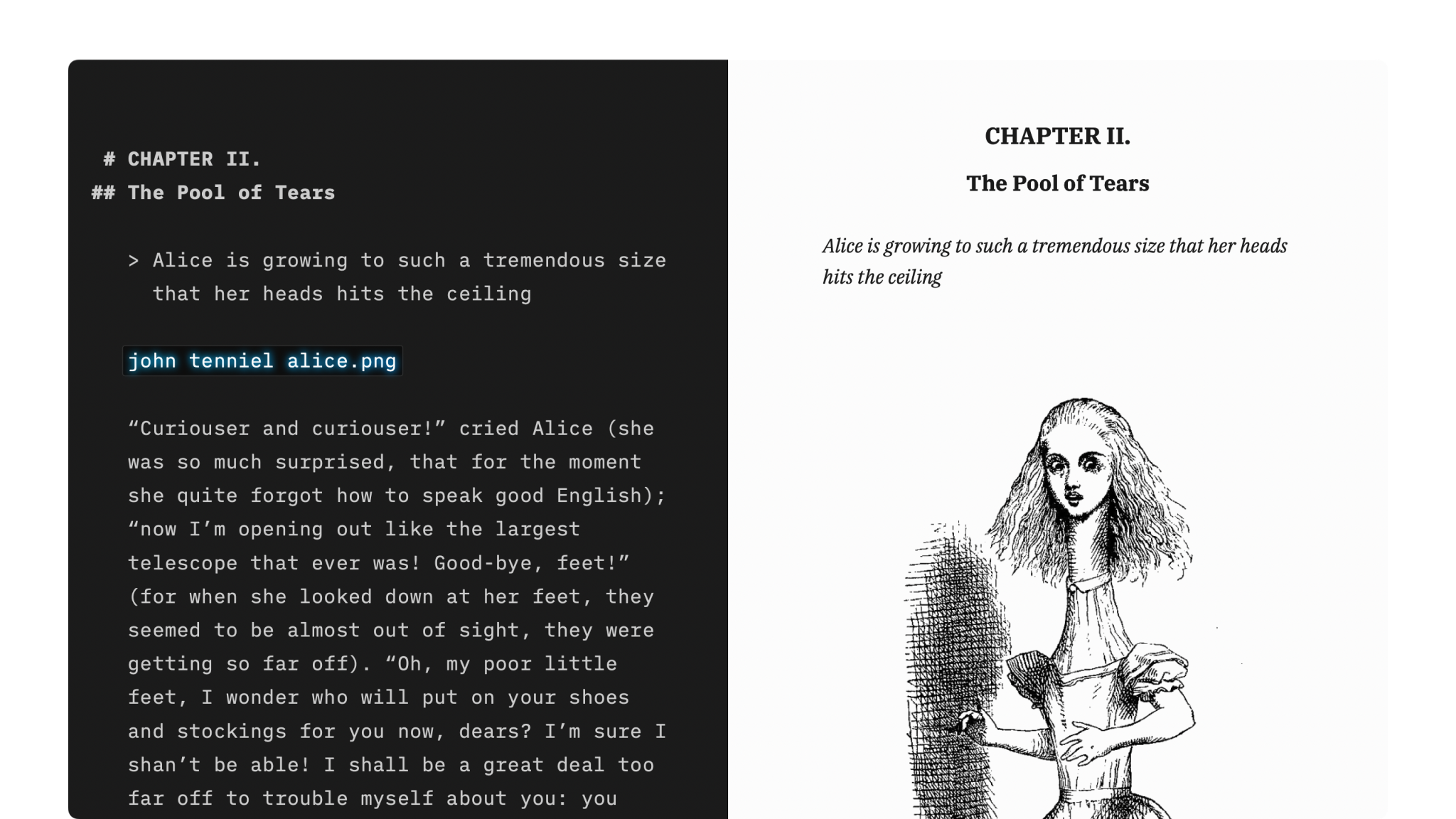
Markdown Guide
How to apply basic formatting in iA Writer simply by adding a few punctuation characters.
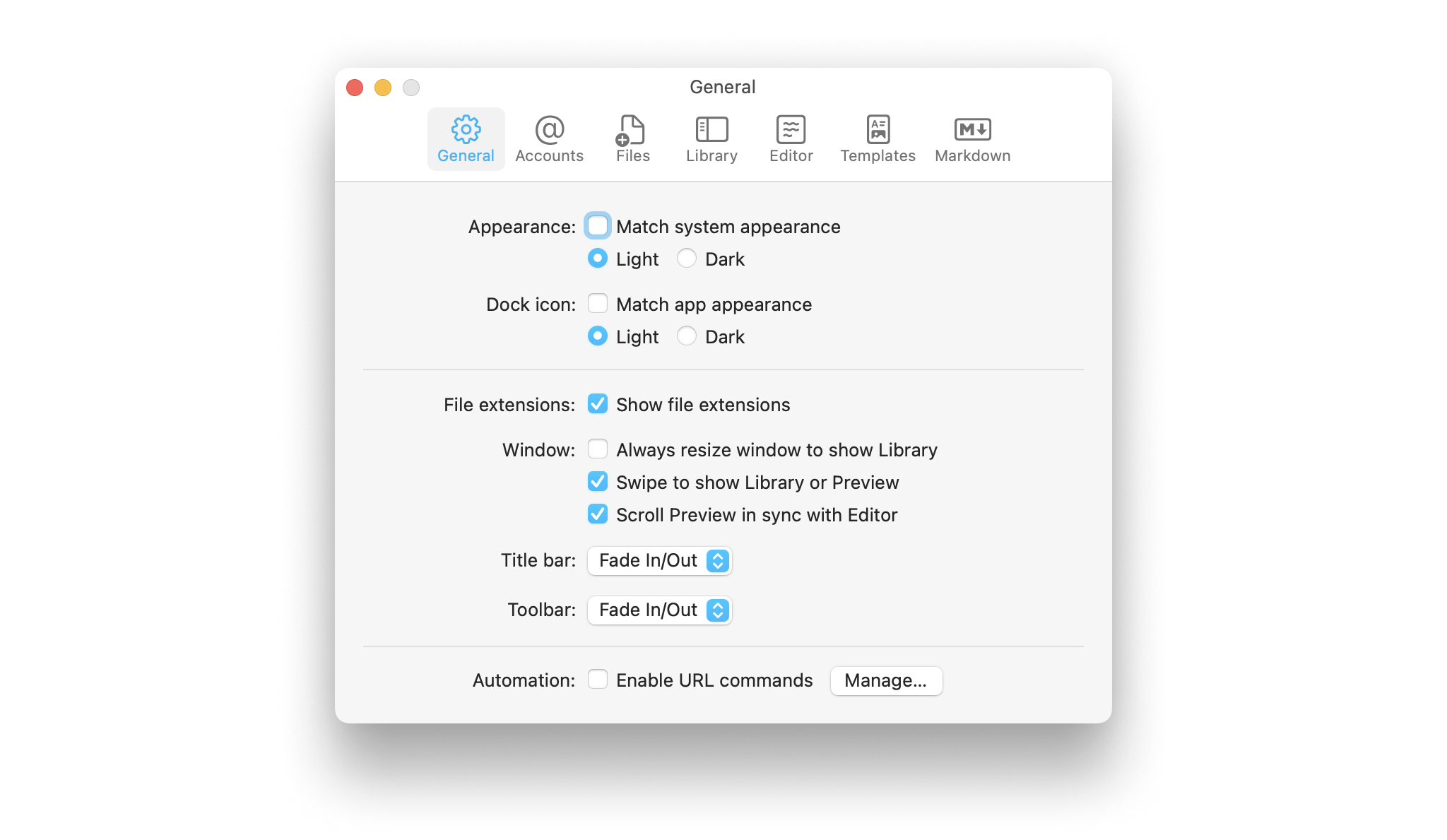
Settings
Learn how to tweak iA Writer’s settings to suit your needs.
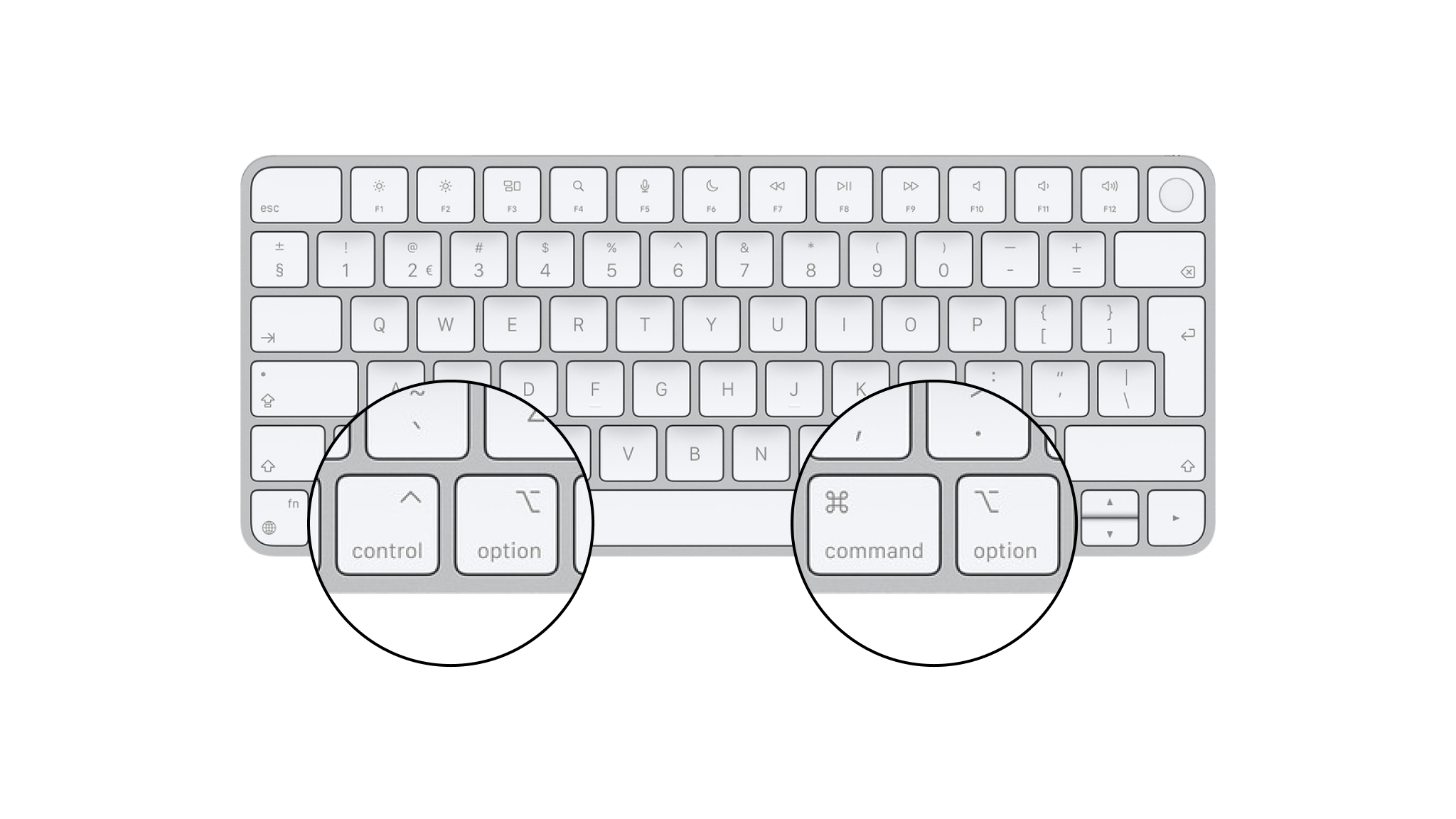
Shortcuts
Learn a few iA Writer shortcuts to save time and keep you in the creative flow.
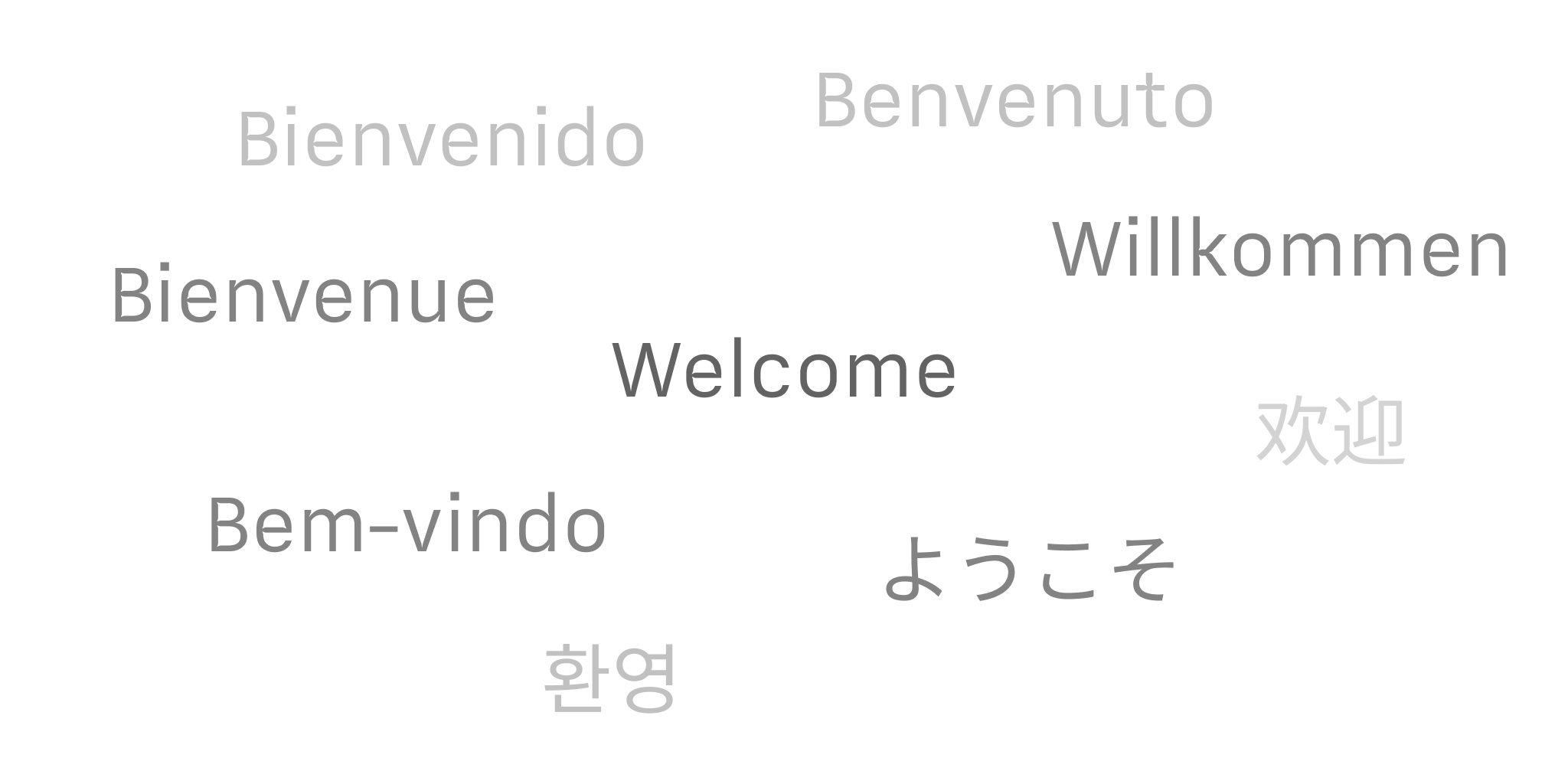
Languages
Learn which languages iA Writer supports across its platforms, including spellcheck, Syntax Highlight and Style Check.

Apple Shortcuts
Shortcuts are a powerful automation tool that saves time and helps you focus on writing by avoiding repetitive busywork.