Focus Mode

Focus mode for Mac emphasizes the active sentence or paragraph while eliminating distractions, so you can concentrate on the current task.
According to user feedback, this feature shines at best when used in full-screen, dark mode. We suggest that you test both dark letters on a white background and light colors on a dark background to determine which option works for you.
How To Enable Focus Mode
You can enable/ disable Focus Mode from:
- the Menu Focus → Enable Focus Mode
- the keyboard shortcut ⌘D
- the Title Bar button 🔽

Then, you will have to choose among 3 different settings: Sentence, Paragraph, and Typewriter.
Sentence
The active sentence –where your cursor is placed– is highlighted while the surrounding text is dimmed.

Paragraph
The whole active paragraph is highlighted while the surrounding text is dimmed.
Moving the cursor to a different paragraph will make it an active paragraph.
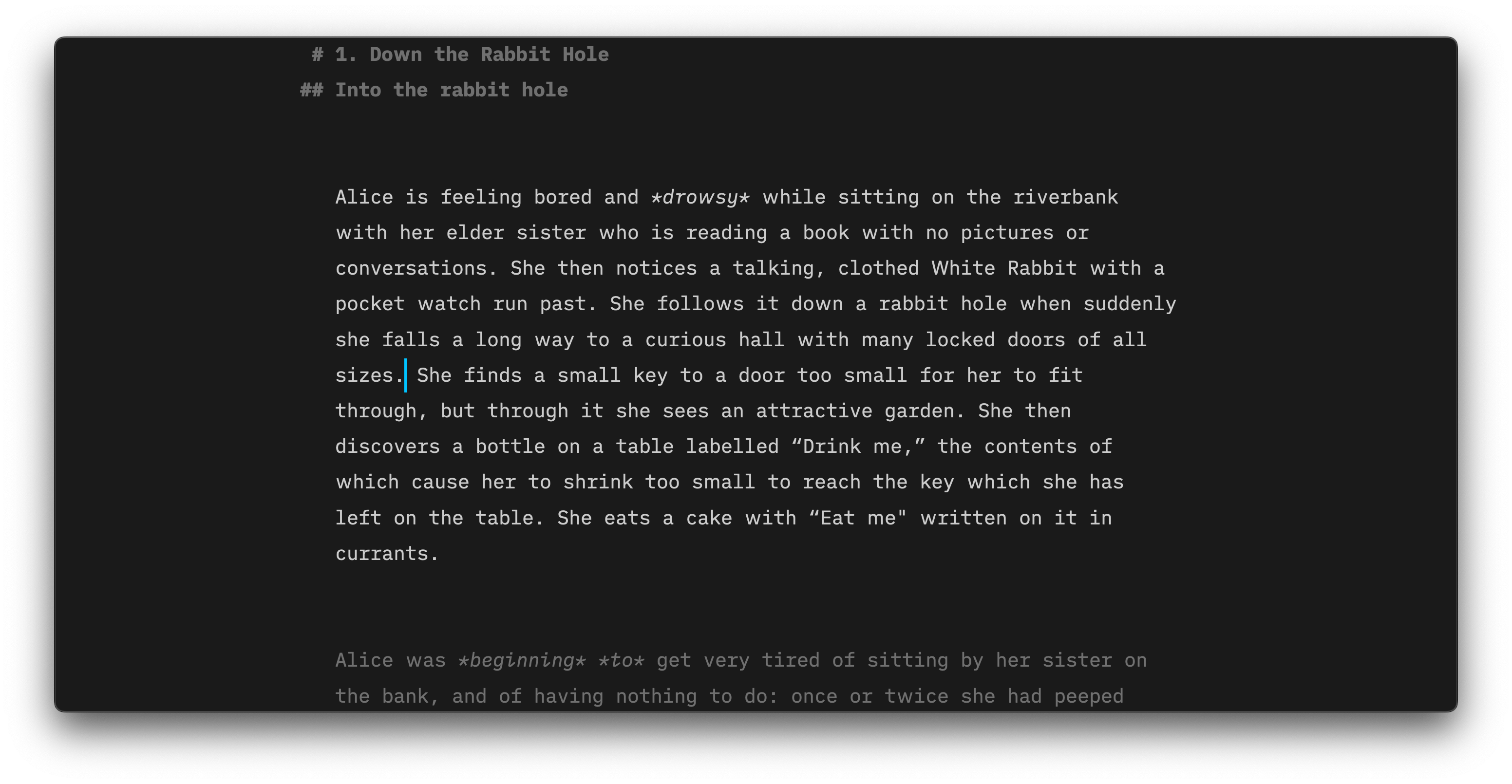
Typewriter
Unlike the two previous options, the text will not be highlighted or dimmed in this mode.
The cursor remains vertically centered in the Editor when typing or moving up or down in your document. The experience is similar to what you would have with a mechanical typewriter.

Jumping Screen When Editing?
Focus Mode is meant to be used during the writing/ creation phase and for the best experience we recommend toggling it off during any editing phases.
A conflict between the area you will select to edit and Focus Mode's attempt to vertically center the cursor might result in the screen jumping vertically.
Helping You Focus More
There is more than just Focus Mode in iA Writer to help you keep your mind on your text. Learn more with those related blog posts:
 Editor
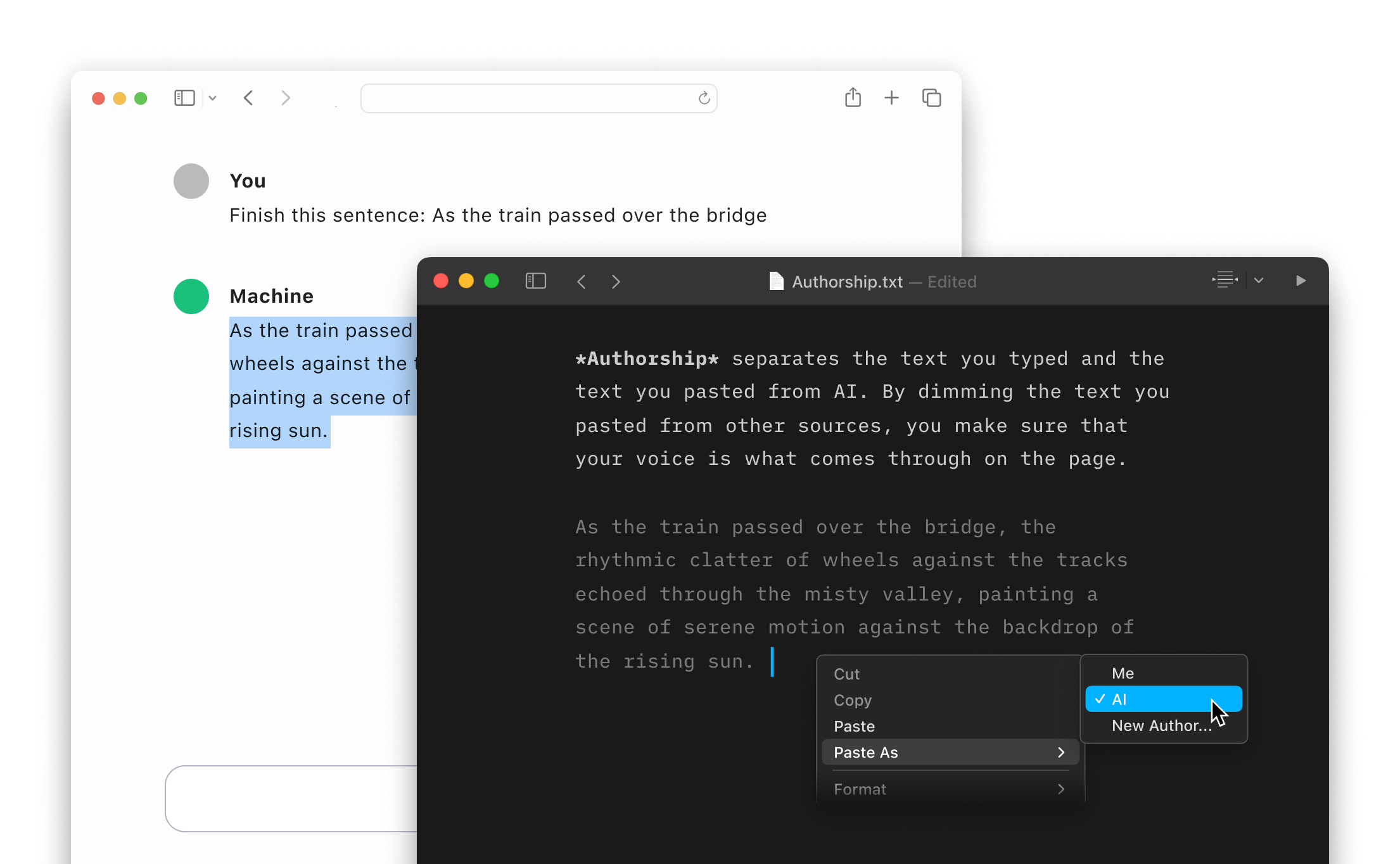
Authorship
Highlight the text you craft yourself and keep track of your sources, artificial or natural.
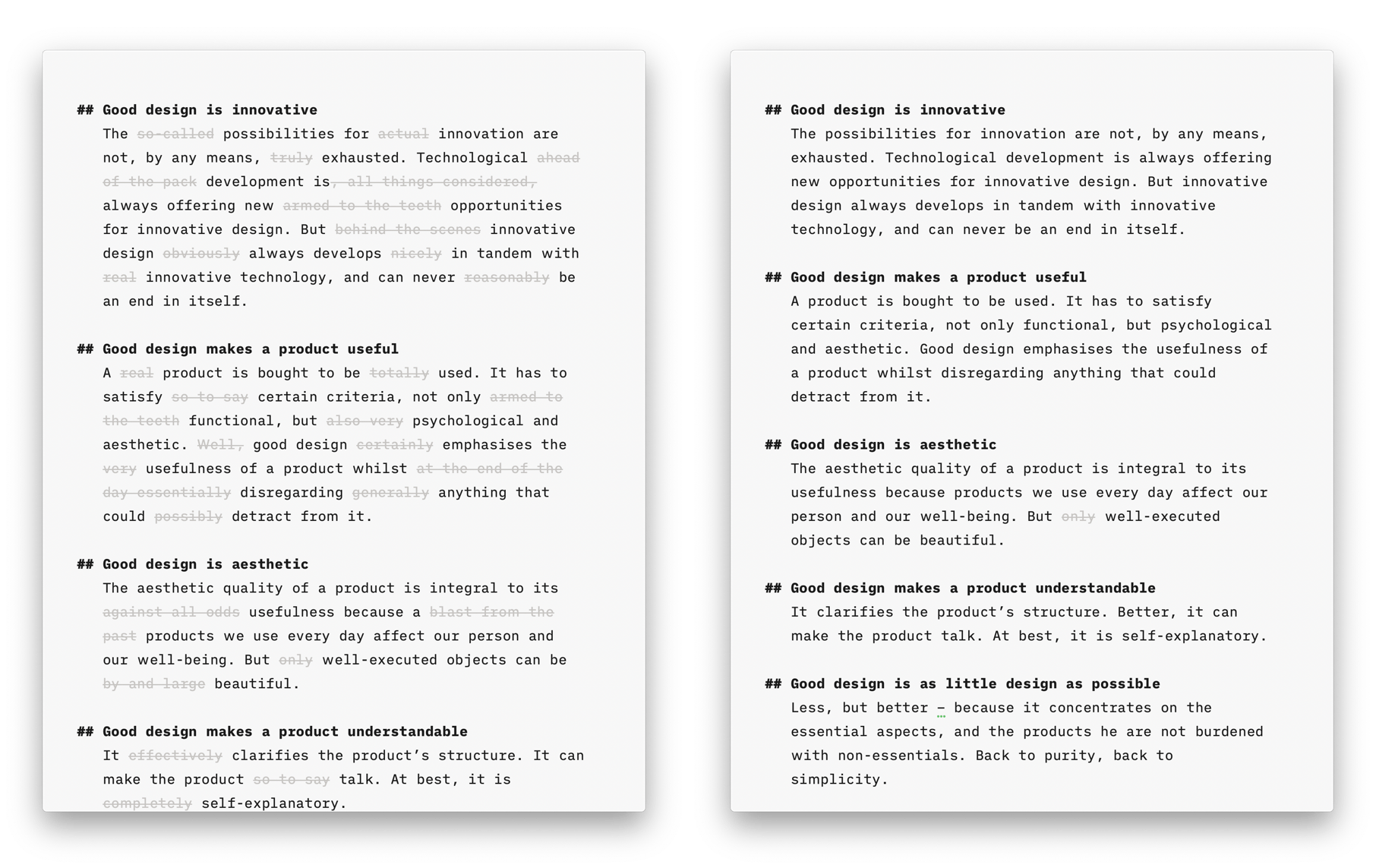
Style Check
A personal editor-in-chief on your device, carefully reviewing your text for redundancies, clichés, and filler words.
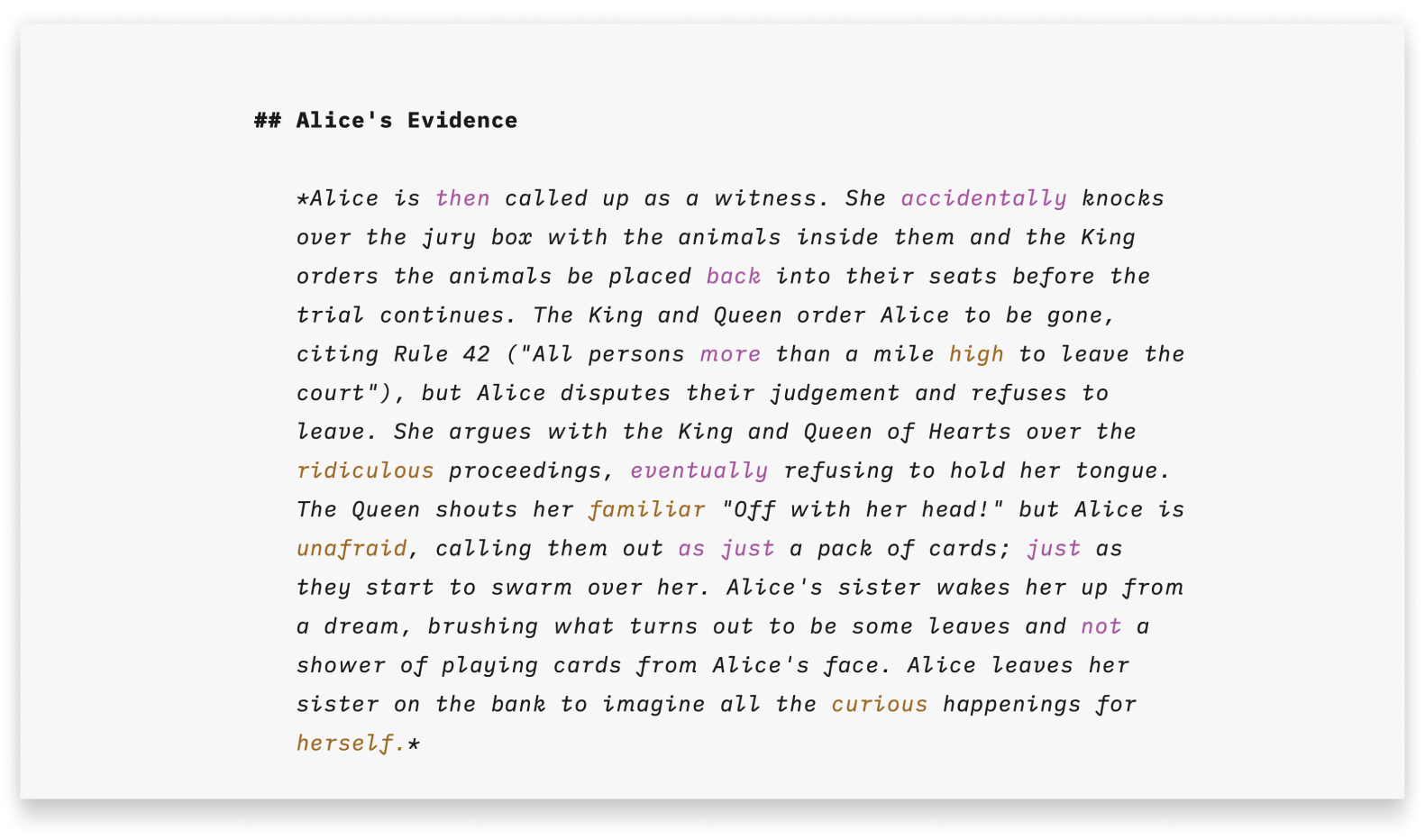
Syntax Highlight
A more structured view of your document will help you improve your writing style.
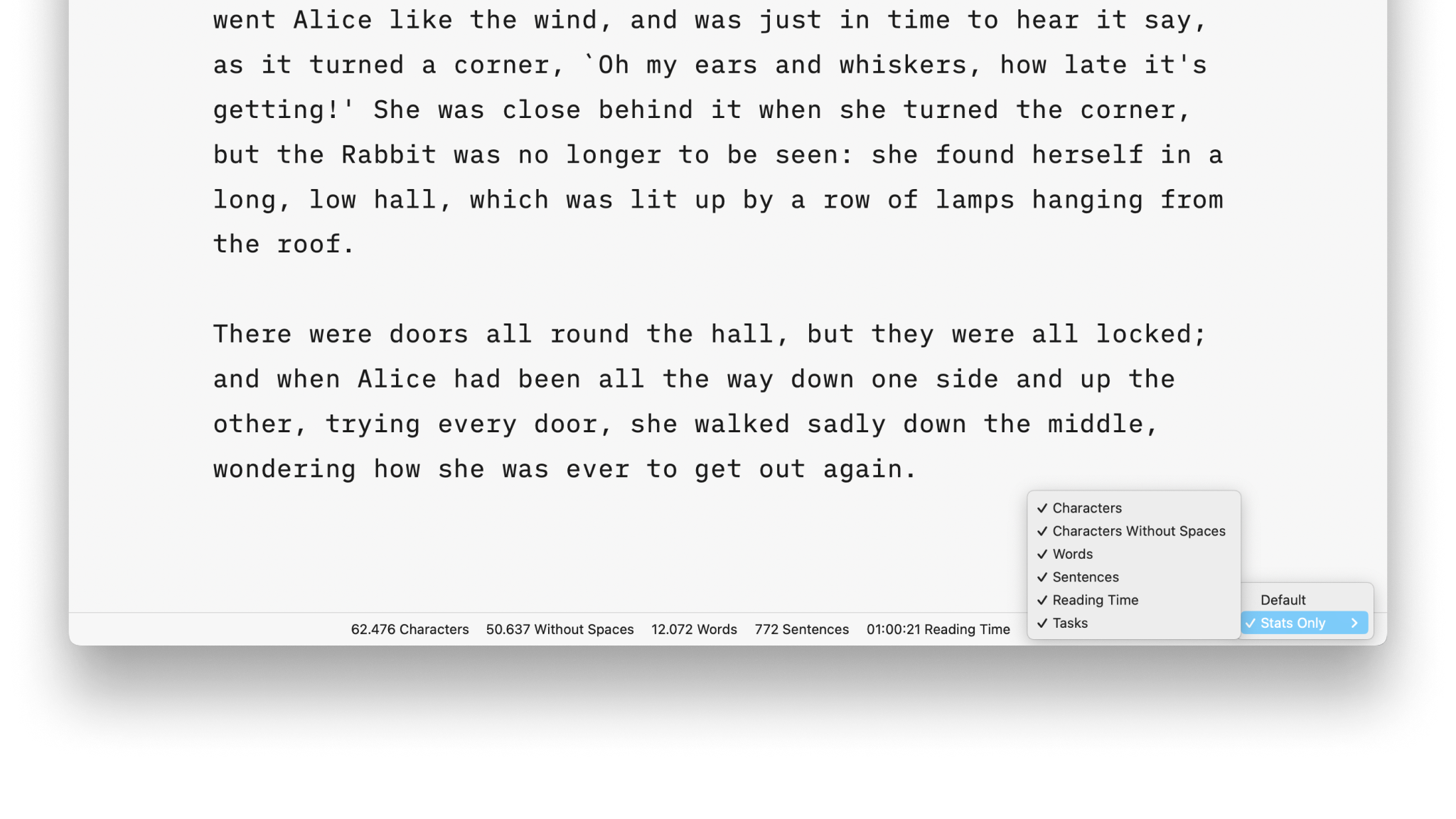
Stats

Metadata
A simple key-value format for storing additional information about a document, only visible in the Editor.
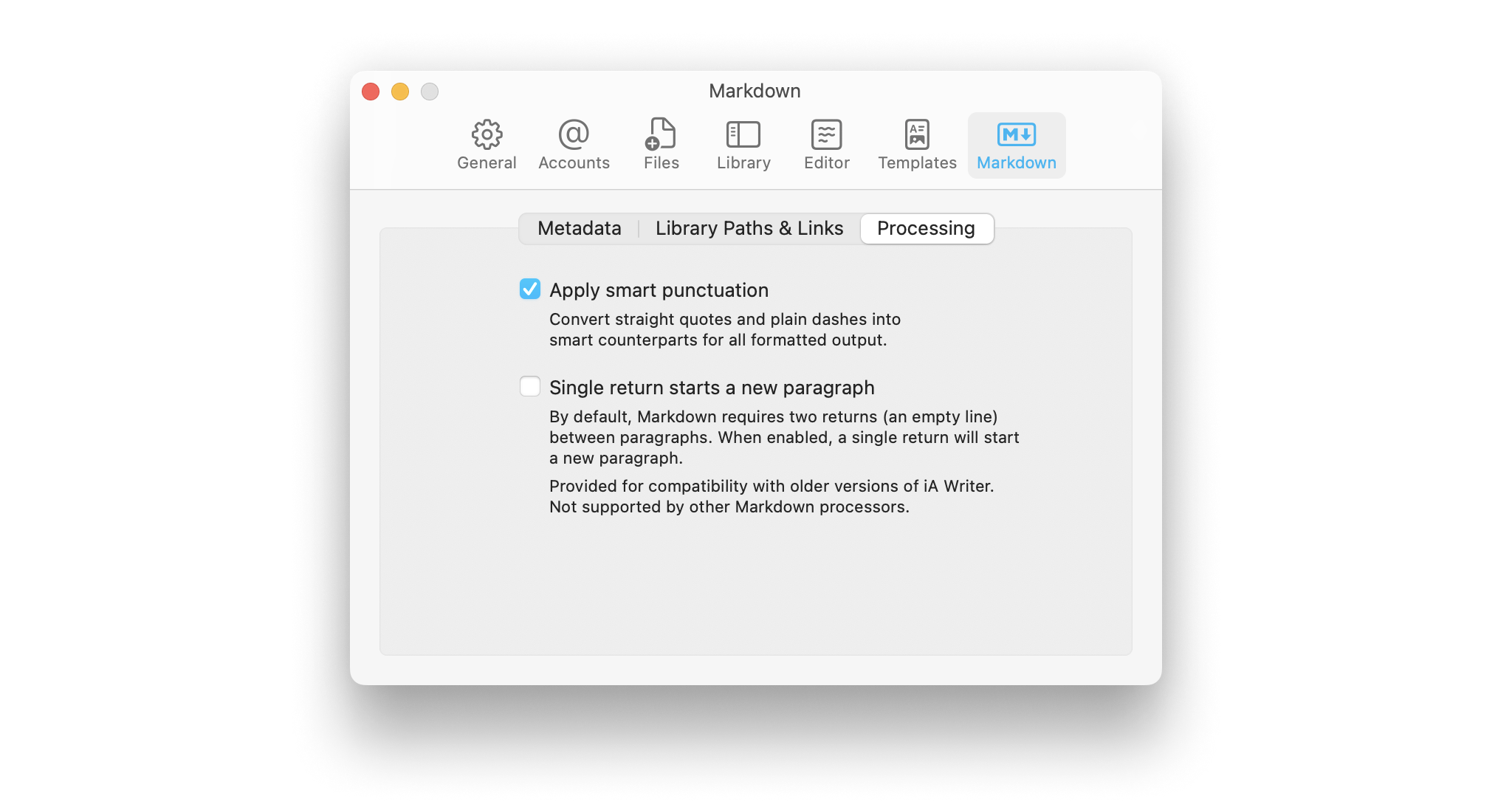
Smart Automation
Auto text completion and transformation: focus on your writing, without getting bogged down by minor details.